
Software for Fire Departments: The Modern Playbook for Efficiency
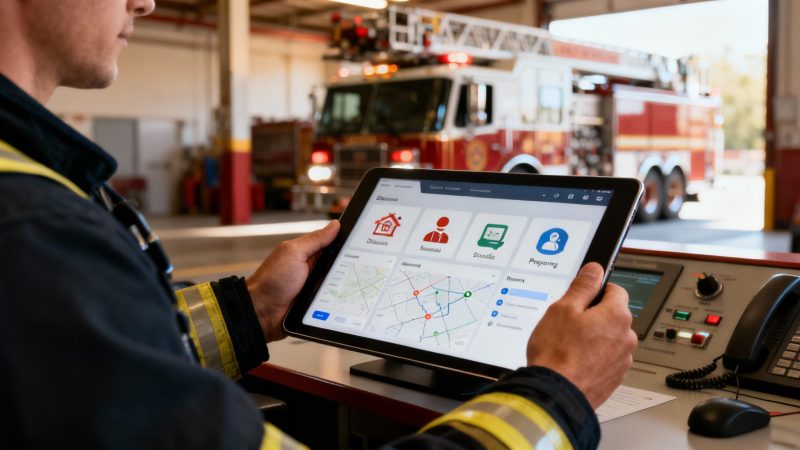
Software for fire departments is all about swapping out stacks of paper, endless phone trees, and radio chaos for a single, unified digital system. Think of it as the central command center for everything—dispatch, communication, and resource management—all working together to improve response times and keep firefighters safe. The cool part is, platforms like Resgrid are putting these powerful capabilities in reach without the sticker shock of traditional enterprise solutions.
What Is Fire Department Software
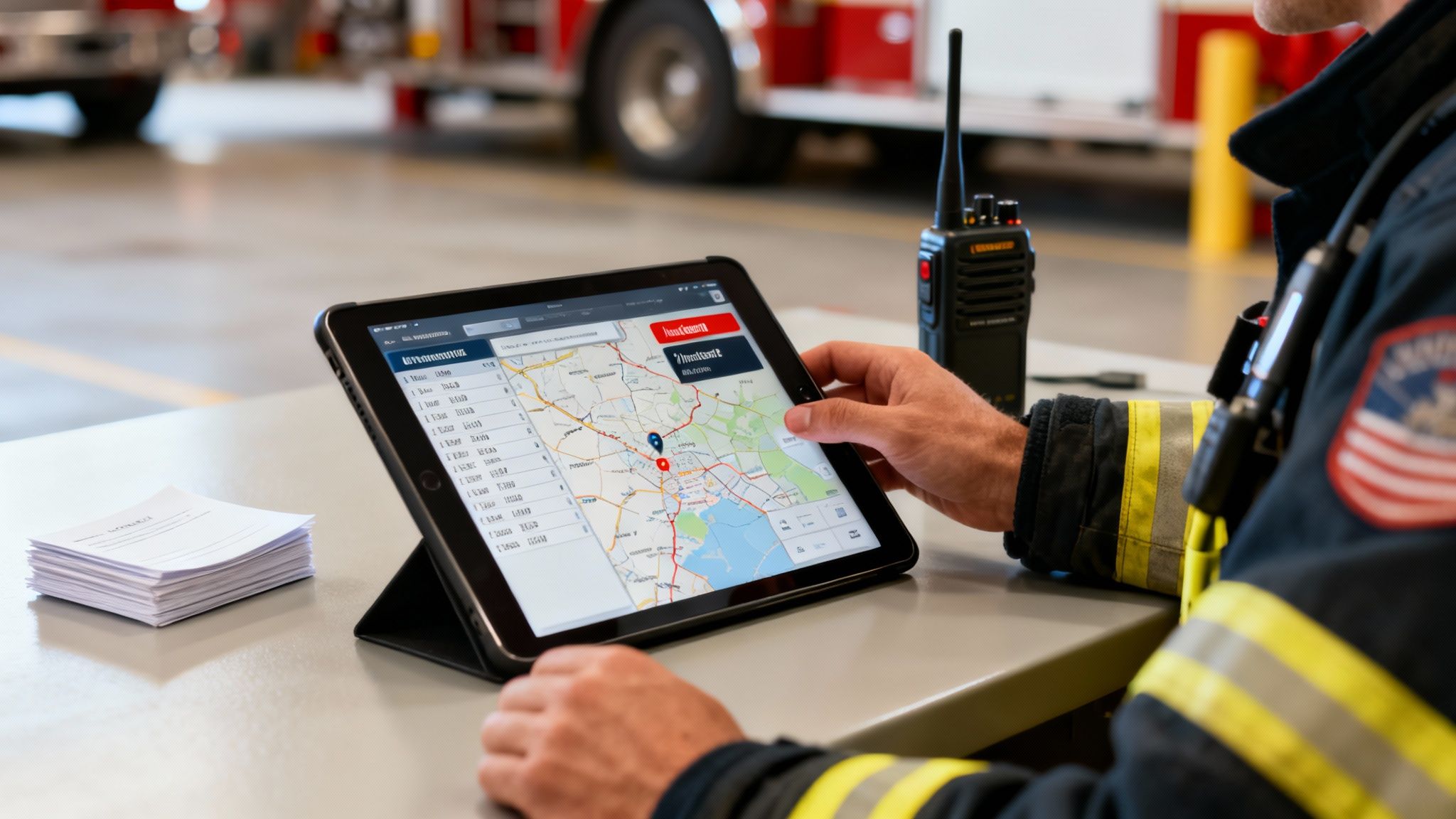
Imagine your fire station’s entire operation running not on scattered paperwork and crackling radio chatter, but on one streamlined, digital platform. That’s the whole idea behind modern software for fire departments. It essentially becomes the central nervous system for your team, turning chaotic manual tasks into organized, digital workflows.
This kind of tech directly tackles some of the most persistent headaches in the fire service. Problems like delayed communication, guessing who is available for a call, and the mountain of incident reporting paperwork get systematically solved with dedicated digital tools. It's no surprise the market is exploding. The global fire department software market was valued at USD 1.12 billion in 2024 and is projected to jump to USD 3.48 billion by 2035. This huge growth is being pushed by new government standards and more funding for public safety tech, finally letting departments upgrade from systems that belong in a museum. You can dig into more data on this market growth at Spherical Insights.
The Real-World Impact on Operations
Let's look at how this plays out in the real world. A department with this software operates on a completely different level than one without it. To see what I mean, let's compare the old way of doing things with the new, smarter approach.
| Operational Area | Traditional Method (Without Software) | Modern Method (With Software like Resgrid) |
|---|---|---|
| Call Dispatch | Manual phone trees, group texts, pagers. No real-time visibility. | Instant alerts to everyone's phone. Real-time response status (en route, on-scene). |
| Personnel Availability | Whiteboards, spreadsheets, or just guessing who's around. | Live status tracking. Personnel set their availability in an app. |
| Resource Tracking | Paper logs for apparatus checks. Asset locations are based on memory. | Digital checklists for equipment. GPS tracking for units and key assets. |
| Incident Command | Radio chatter and face-to-face updates. Hard to maintain a clear picture. | A live map shows unit locations, personnel status, and incident details in one view. |
| Reporting & Compliance | Manual, time-consuming report writing after every call. | Automated incident reports generated from dispatch and operational data. |
The difference is stark. Moving to a modern system isn't just a minor upgrade; it's a fundamental shift in how a department operates, making it faster, safer, and far more effective.
A well-coordinated response powered by software cuts down on operational waste. When you can dispatch the right people and equipment the first time, you save on fuel, apparatus wear and tear, and unnecessary personnel call-outs—costs that add up significantly over a year.
Bridging the Gap for All Departments
One of the biggest myths out there is that this kind of technology is only for big, well-funded city departments. That’s just not true anymore. Affordable and open-source solutions like Resgrid were built specifically to bring these powerful capabilities to any organization, no matter its size or budget. By ditching the hefty enterprise contracts and mandatory implementation fees, Resgrid makes top-tier operational management accessible to everyone.
This means even the smallest volunteer station can:
- Automate Scheduling: Stop spending hours wrestling with spreadsheets to create and manage complex shift schedules.
- Track Personnel and Equipment: Get instant alerts when a firefighter's certifications are about to expire and know that every piece of gear is ready to go.
- Streamline Reporting: Automatically generate incident reports, which frees up countless hours of post-incident paperwork and ensures you're always in compliance.
By bringing all these functions together, fire department software moves your station from a reactive footing to a proactive, data-driven operation. It's about working smarter, not harder.
Core Features Every Department Needs
When you start looking at software for fire departments, it’s easy to get buried under a mountain of features. But if you strip it all away, a few core functions are the absolute bedrock of any system worth its salt. These aren't just nice-to-haves; they are mission-critical tools that have a direct line to your response times, firefighter safety, and the department's bottom line.
Think of it like spec'ing out a new engine. You don't start with the chrome or the siren patterns. You start with the chassis, the pump, the water tank—the essentials. Your software is no different. It needs a solid foundation to handle the day-in, day-out jobs of dispatch, managing your people and gear, communication, scheduling, and reporting.
Dispatch and Computer Aided Dispatch (CAD)
The second a 911 call drops, the clock is your enemy. Modern dispatch features, especially those tied into a Computer-Aided Dispatch (CAD) system, are all about buying back precious seconds and minutes. This is where the software stops being a program and starts being your digital co-pilot.
Instead of a dispatcher squinting at a wall map, the system instantly plots the incident on a digital map with GPS. It can see who's closest, who's available, and map out the quickest route, even accounting for traffic or road closures. This real-time mapping gets crews moving faster and smarter from the moment the tones drop.
Actionable Insight for Saving Money
Smart routing isn’t just about speed—it’s about money. Every single mile you don't drive saves on fuel, cuts down on wear and tear, and lowers long-term maintenance costs on apparatus that cost a fortune. For a department running 500 calls a year, if optimized routing saves an average of just one mile per call, that's 500 fewer miles of wear. At an average operational cost of $5-$10 per mile for a large apparatus, that translates to $2,500-$5,000 in direct savings annually.
Personnel and Equipment Management
Knowing who's on duty and what gear is ready to go is fundamental. Personnel management tools pull this critical task off the whiteboard and put it into a live, automated system. A firefighter can set their status right from their phone, giving command an instant, accurate headcount without a single phone call.
The same logic applies to your equipment. Digital checklists make sure every rig, tool, and piece of PPE is inspected and ready for action. But where it really shines is tracking certifications.
Imagine finding out a firefighter’s HazMat certification expired in the middle of a chemical spill. Good software makes that scenario impossible by sending automated alerts weeks ahead of time. This keeps your team qualified, compliant, and safe, which is a massive win for both operations and liability.
This proactive approach means no dangerous gaps on an emergency scene and no mad scramble to meet regulatory requirements.
Integrated Communication and Messaging
In an emergency, clear, instant communication is everything. The old phone trees are painfully slow, and group texts are a recipe for confusion and missed messages. An integrated messaging system built right into your department's software cuts through the noise.
When a dispatch goes out, every relevant person—career or volunteer—gets a push notification straight to their phone. This means volunteers who aren't at the station are in the loop immediately. You can also use it for non-emergency stuff like training reminders or department announcements, keeping the whole team connected in one place.
Actionable Insight for Saving Money
This single feature can often eliminate the need for expensive third-party messaging apps or pager contracts. By pulling all your communication into one platform, departments can chop recurring monthly bills while actually making their alerts more reliable. For example, a department paying $10 per user per month for a premium messaging service with 30 members can save $3,600 annually by switching to an all-in-one platform with built-in communication.
Smart Staffing and Scheduling
Trying to build and manage schedules with complex shift patterns, overtime rules, and sick calls is a huge administrative headache. A smart scheduling module can automate nearly all of it.
- Automated Rotations: Just build your department's unique shift patterns once, and the software handles the rest, week after week.
- Time-Off Requests: Members request leave through the app, and supervisors can see the whole calendar and approve it with a tap.
- Open Shift Filling: When a shift opens up unexpectedly, the system can automatically blast it out to qualified members who can claim it without a dozen phone calls.
This kind of automation frees up hundreds of hours of administrative time, letting officers focus on training and operations instead of paperwork. It also helps prevent accidental understaffing and unnecessary overtime, which goes a long way toward preventing burnout. You can see how these pieces all fit together by exploring the full range of Resgrid features to get a sense of the unified operational picture.
Automated Reporting and Compliance
After the call is over, the paperwork begins. Reports are critical for legal documentation, compliance, and analyzing your own performance, but they're a grind. This is another place where good software does the heavy lifting for you.
Since the system is already tracking everything—dispatch times, unit responses, on-scene actions, personnel involved—it can generate detailed, accurate incident reports with just a few clicks. It not only saves a ton of time but also makes your data cleaner and more consistent. This data becomes a powerful tool you can use to spot trends, justify budget requests to the board, and sharpen your tactics for the next call.
Selecting and Implementing Your New Software
Picking out and rolling out new software sounds like a huge job, but it doesn't have to be a nightmare of project plans and pricey consultants. If you just focus on what your department actually needs and get a real handle on the costs, you can make a smart choice that saves money and smooths out operations from day one.
The whole thing starts with a simple question: who are you? The day-to-day reality for a rural volunteer outfit is worlds apart from a large, urban career department. Before you even sit through a single demo, you need a crystal-clear picture of your biggest operational headaches.
Creating Your Feature Checklist
First thing's first: make a simple feature checklist. This isn't about listing every shiny object and bell and whistle you can think of. It's about zeroing in on the tools that will solve your most painful problems. Get input from everyone—the chief, the officers, the newest firefighter on the floor—to build a list that works for the whole team.
Your checklist should put the highest-impact features right at the top. Think about these key areas:
- Dispatch & Alerting: Do you just need rock-solid mobile alerts, or are you looking for a full-blown CAD integration?
- Availability Tracking: Is figuring out which volunteers can actually show up to a call a constant struggle?
- Scheduling: How many hours a month are getting burned just trying to build and manage the duty schedule?
- Reporting: Are your officers stuck doing manual incident reports, eating up hours of their time?
- Equipment Management: Do you have a good system for tracking maintenance and inspections, or is it all on a whiteboard somewhere?
Once you've got this list, you can use it like a scorecard during demos to compare different platforms objectively. It keeps you honest and focused on what really matters to your crew.
Calculating the Total Cost of Ownership
The price on the proposal is almost never the real price. The Total Cost of Ownership (TCO) is where all the hidden fees that can bleed your budget dry are hiding. This is where a lot of departments get trapped in expensive, long-term contracts they can't get out of.
The real financial win often comes from what isn't on the invoice: mandatory training fees, expensive implementation packages, and per-user licenses that punish you for adding more people to your roster. These costs can easily double or even triple the initial quote from the big enterprise vendors.
Open-source models, like Resgrid, flip the script by getting rid of these extra costs altogether. With a self-service setup, you skip the massive contracts and mandatory training sessions, making the whole thing a much more predictable and affordable investment.
This simple diagram shows the clean process flow that good fire department software should have.
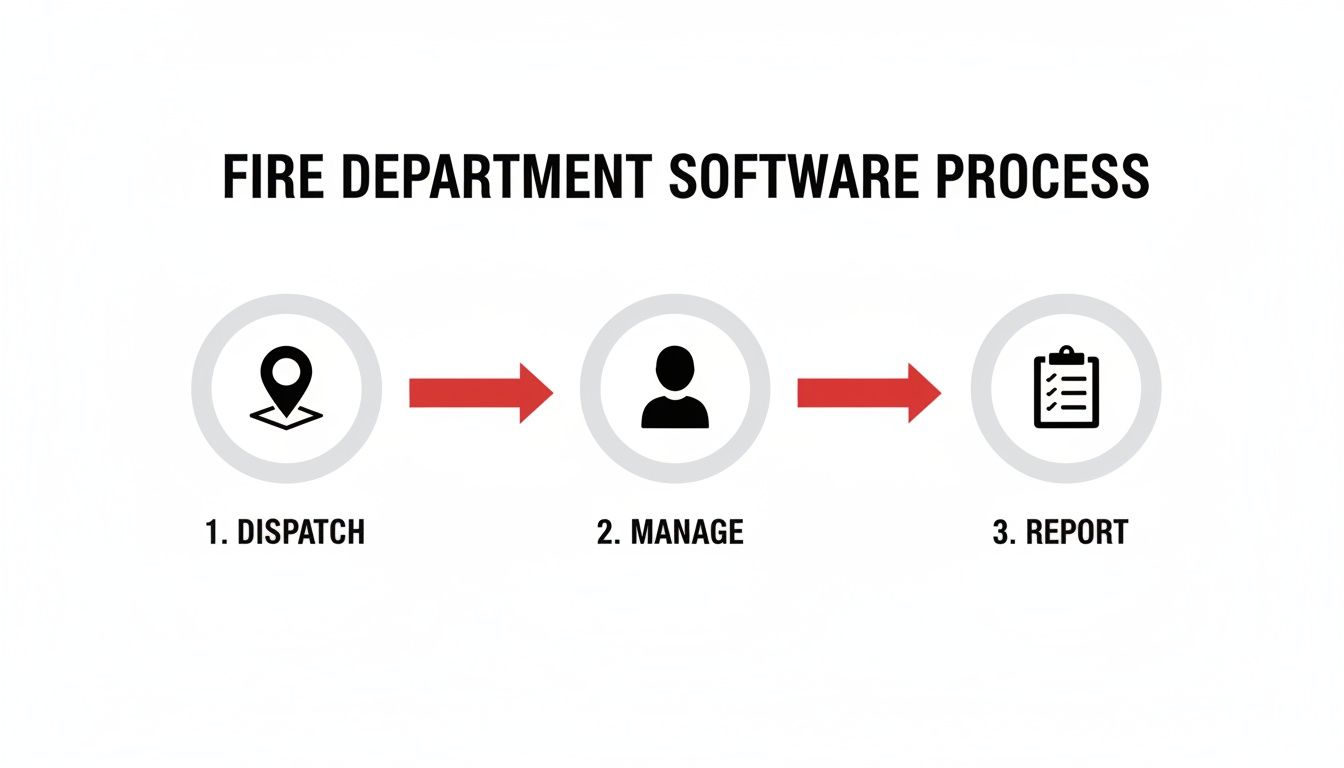
It shows you how a single, unified system connects the initial call (Dispatch), your people and gear (Manage), and your operational records (Report) into one seamless information loop.
A Practical Implementation Example
Let's walk through a real-world example. A small volunteer department with 25 members decides to give Resgrid a shot. Instead of a procurement process that drags on for months, they can get moving right away.
- Friday Evening: The chief signs up for an account and uploads a CSV file with the personnel roster. Done.
- Saturday Morning: A couple of officers jump in and configure the system. They set up user roles, add the apparatus, and create custom status types they actually use (like "Responding to Station" or "On Scene").
- Saturday Afternoon: They shoot out an email to the whole department with instructions to download the mobile app and log in. For anyone who gets stuck, the department can point them to the clear guidance available in the Resgrid support documentation.
- Sunday: The department runs a few test calls to make sure everyone gets the alerts and knows how to update their status.
By Monday morning, the entire department is up and running on a new system. The total cost? A low monthly subscription. The savings are immediate and massive compared to a traditional vendor that would have required a $10,000 implementation fee and on-site training. This agile approach lets departments take control of their own tech without breaking the bank.
Calculating Your Return on Investment
Anytime you invest in new tech, it all boils down to one simple question: is it worth the money? For fire departments running on tight budgets, that’s not a casual question—it’s everything. The good news is that modern software for fire departments delivers a powerful return on investment (ROI) that shows up in both cold, hard cash and game-changing operational improvements.
The financial upside is usually the easiest to spot. By automating and cleaning up core tasks, the right software plugs all those small, steady leaks that drain a department’s budget, year after year. It's not about one single, massive saving; it's about a hundred little efficiencies that add up to a real financial win.
Pinpointing Hard Cost Savings
This is where the software immediately starts paying for itself. Think about all the hours your officers spend manually building schedules, the fuel burned on inefficient routes, or the administrative drag of paper-based reporting. Every single one of these is a direct cost that can be slashed.
Here are a few practical places you'll see a direct financial return:
- Reduced Overtime Pay: Smart scheduling software handles complex rotations automatically and helps fill open shifts without defaulting to expensive overtime. Just by preventing accidental understaffing and streamlining how you handle call-offs, a department can cut its overtime budget by 10-15% or even more.
- Lower Fuel and Maintenance Costs: Integrated GPS and dispatching tools make sure the closest unit gets sent via the smartest route. Shaving just a few miles off hundreds of calls a year adds up to big savings in fuel and cuts down on wear and tear on your expensive apparatus.
- Eliminated Administrative Waste: Automated reporting can turn hours of post-incident paperwork into a few clicks. That frees up your officers to focus on high-value work like training and community outreach instead of getting bogged down in data entry.
It's no surprise the market for these tools is growing fast—a 12.0% CAGR through 2030, in fact. That growth is driven by departments needing to automate manual work to cut response times and operational costs. With over 1.3 million fire incidents in the U.S. in 2020 alone, the demand for smarter, more efficient systems is only getting stronger. You can dig into the full market analysis over on Grand View Research.
The Invaluable 'Soft' ROI
Beyond the balance sheet, there are gains that are harder to put a number on but are arguably more important. This is your "soft" ROI—the improvements in safety, morale, and community outcomes that are the real mission of any fire department.
A firefighter who knows their exact role before they even arrive on scene, who is confident their equipment is ready, and who trusts the information they're receiving is a safer and more effective firefighter. This confidence is a direct result of a well-implemented software system.
This soft ROI is all about:
- Improved Firefighter Safety: Real-time personnel tracking and clear on-scene accountability dramatically reduce the risk of accidents.
- Enhanced Morale: Getting rid of administrative headaches and improving communication prevents burnout and shows your people their time is valued.
- Better Community Outcomes: Faster response times and more coordinated efforts on scene lead directly to better results for the people you serve.
A Hypothetical Cost-Benefit Analysis
Let's run some numbers for a mid-sized department. Imagine they go with an affordable, self-service platform like Resgrid. Understanding the financial benefits is crucial, and if you want a broader look at this, you can find some great strategies for maximizing software ROI that apply across industries.
A platform with transparent costs avoids the massive upfront fees that are so common with big enterprise vendors. Take a look at the Resgrid pricing page, and you'll see how it's structured to be accessible for any size department. A department could easily hit a positive ROI within the first year just by saving a few thousand on overtime, cutting fuel use, and dropping subscriptions for separate messaging apps.
Here’s a quick look at what that might look like:
Cost Savings Analysis with Resgrid
This table shows potential annual savings for a fire department that moves to an integrated platform like Resgrid, cutting out standalone tools and manual processes.
| Cost Center | Potential Annual Savings | How Resgrid Helps |
|---|---|---|
| Overtime Pay | $4,500 | Automated scheduling minimizes unnecessary overtime shifts. |
| Fuel Costs | $1,200 | Optimized routing and dispatching reduce mileage. |
| Admin Hours | $3,000 | Automated reporting frees up officer time from paperwork. |
| Third-Party Apps | $800 | Replaces separate messaging and scheduling subscriptions. |
This simple breakdown proves that getting top-tier technology doesn't have to come with a top-tier budget.
Integrating Systems and Future-Proofing Your Tech
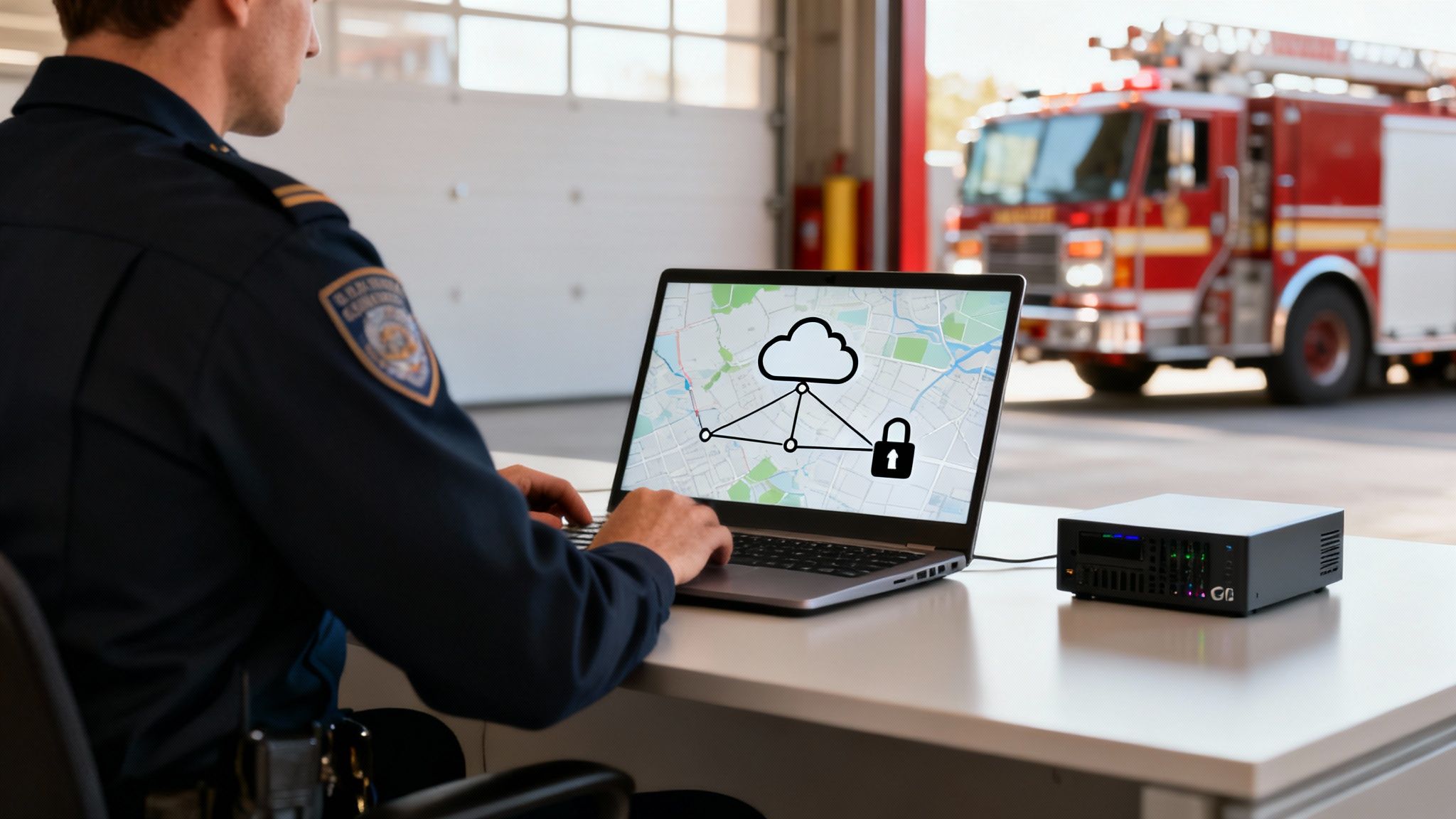
Picking the right software for fire departments isn't just about the features it has today. It's about making sure your technology is secure, connected, and built to last for years to come. A standalone system that can't "talk" to your other tools creates information silos—and silos are downright dangerous in an emergency. Real operational command comes from a single, unified platform that protects your data and plays nice with the tools you already have.
Protecting sensitive information is completely non-negotiable. Fire departments deal with protected health information (PHI) and other critical data every single day, which makes rock-solid security and HIPAA compliance essential. You should be looking for platforms that offer end-to-end data encryption (both in transit and at rest) and are hosted on secure, industry-leading cloud infrastructure. This isn't just some IT checkbox; it's fundamental to maintaining public trust and avoiding some seriously heavy legal penalties.
Creating a Unified Command Center Through Integration
Your new software absolutely has to connect with the systems you already depend on. Just imagine your dispatch (CAD) system automatically pushing call data directly into your management software. That software then instantly alerts personnel and maps the incident without anyone having to lift a finger. That's the kind of integration that creates a truly unified operational picture.
A platform with a well-documented, open Application Programming Interface (API) is the key. Think of an API as a universal translator that lets different software systems communicate and share data automatically. The ability to connect with your existing CAD, GIS mapping, or other municipal systems is what separates a simple app from a true command platform.
Actionable Insight for Saving Money
An open API can deliver huge cost savings by getting rid of the need for expensive, custom-built integration projects. For example, a department can use Resgrid’s API to connect its local dispatch system, instantly feeding call information into the platform. This avoids thousands of dollars in custom development fees that old-school vendors love to charge, making powerful automation accessible even on a tight budget.
Future-Proofing Your Department's Technology
"Future-proofing" is a term that gets thrown around a lot. What it really means is picking a system that grows with you, not one that becomes a relic in a few years. Public safety technology is always moving forward. A static platform will fall behind fast, forcing you into expensive upgrades or a total replacement down the road.
The best software for fire departments is one that evolves through continuous, free updates. This ensures your department benefits from the latest security patches, new features, and performance improvements without having to constantly reinvest or renegotiate contracts.
When you're planning to bring in new software or upgrade what you have, understanding essential database migration best practices is critical to keeping your data intact and making the switch a smooth one. A forward-thinking software partner will handle all the technical evolution on their end, so you can stay focused on your mission. This approach turns your software from a one-time purchase into a long-term strategic asset that adapts to the changing demands of emergency services.
A Resgrid Success Story in Action
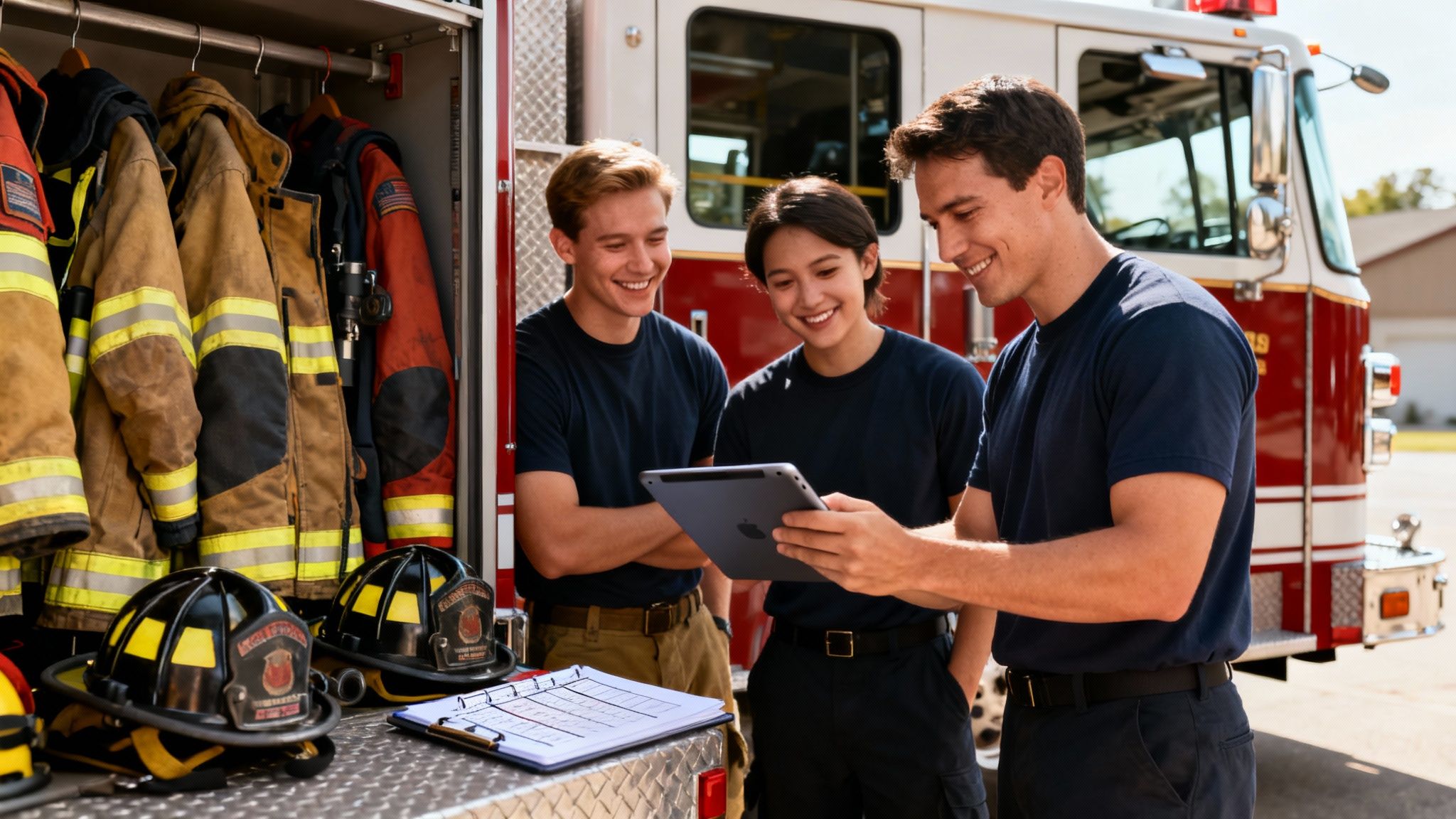
Theory and feature lists are one thing, but seeing how software for fire departments actually performs on the ground is what really matters. Let’s take a look at a real-world example: a rural volunteer department that was drowning in logistical headaches. Their entire operation was running on a clumsy phone tree for callouts, a whiteboard for scheduling, and mountains of paper for every single report.
Missed calls were a regular problem, staffing gaps were a constant source of anxiety, and equipment readiness was based more on a gut feeling than hard data. The leadership team knew they had to make a change, but they figured any digital solution was way out of their budget. That’s when they stumbled upon Resgrid. With no implementation fees or long-term contracts, they decided to give it a shot.
From Chaos to Coordinated Command
The difference was night and day, and it happened fast. First on the chopping block was that unreliable phone tree. Using Resgrid, they set up instant dispatch alerts that pushed notifications straight to every volunteer's smartphone. For the first time, command had a live, real-time picture of who was responding, their ETA, and their status.
Before Resgrid, our response was a guessing game. Now, from the moment the tones drop, we have a clear, live picture of our personnel. This hasn’t just made us faster—it’s made every scene safer for our firefighters.
Next, they tackled the scheduling nightmare. The chaotic whiteboard was swapped out for Resgrid’s scheduling module. Crew members could finally set their availability and sign up for shifts right from the app, which immediately put an end to staffing gaps and the endless chain of back-and-forth texts.
Saving Money and Improving Readiness
The practical, money-saving benefits became obvious almost immediately. They set up the entire system themselves over a single weekend, saving thousands in typical vendor fees right off the bat. This story isn't a one-off; it's part of a much bigger trend. North America holds the largest share of the fire department software market, with over 30,000 departments in the U.S. and Canada navigating incredibly complex operations. For them, real-time personnel tracking and self-service reporting are becoming absolute must-haves. You can read more about the market dynamics over at KBV Research.
Finally, they digitized their equipment checklists. It sounds like a small change, but it guaranteed that every piece of apparatus was inspected and mission-ready, replacing guesswork with certainty. This department’s story is a perfect blueprint, showing how the right software can completely transform efficiency and effectiveness without blowing the budget.
Frequently Asked Questions
When you're looking at new software for fire departments, you're juggling a lot—from budgets to getting the team on board. It’s natural to have questions about cost, how the tech fits with your current setup, and if your people will even use it. Getting straight answers to these is the first step to making a smart investment.
Let's dive into some of the most common questions we hear from fire chiefs and department leaders.
Can Small Volunteer Departments Afford This Software?
Absolutely. It's a common myth that this kind of software comes with a massive price tag. While that was true for a lot of old-school enterprise systems, many modern platforms are built specifically with the budgets of smaller and volunteer outfits in mind. You just need to look for services with flexible subscription plans or even free, open-source options.
Actionable Insight for Saving Money
One of the biggest hidden costs is getting locked into a vendor's ecosystem. To save a ton of money, look for a self-service platform like Resgrid. This approach cuts out expensive, mandatory setup contracts and on-site training. A department can get the whole system running on its own, which can turn a potential $10,000 setup fee into zero. That puts powerful tools right in the hands of even the most budget-conscious departments.
How Hard Is It to Get Our Team to Adopt It?
This is a huge, and valid, concern. But getting your crew to buy in really comes down to choosing software that's easy and intuitive. The best platforms feel familiar, a lot like the apps your firefighters are already using on their phones every day. That familiarity just flattens the learning curve.
The secret to buy-in is showing the crew what’s in it for them, right away. When they see firsthand how the software cuts down on their own administrative busywork and makes communication on a call dead simple, they'll get behind it.
A good way to start is with a small pilot group of your more tech-savvy members. Let them work out the kinks. Then, with some straightforward training materials and a platform that has solid support, you can roll it out to everyone else. This way, you build momentum instead of hitting a wall of resistance.
Does This Software Replace Our Existing CAD System?
Not usually. In fact, it's the opposite. The most effective department software is designed to work with your existing Computer-Aided Dispatch (CAD) or Public Safety Answering Point (PSAP) system, not tear it out. Think of it as a force multiplier—it takes the raw data from dispatch and makes it instantly useful for every single person on your team.
Here's how it works: the software pulls in the dispatch information from your CAD, then pushes it out through mobile apps, tracks who's responding in real-time, and helps coordinate resources on scene. For this to all flow smoothly, you need a solution with a flexible API that can plug into your current setup. This creates a single, unbroken chain of information from the 911 call all the way to the final incident report.
Ready to see how a modern, affordable platform can change the game for your department's operations? Resgrid offers a complete, open-source solution built by and for first responders. Start for free and discover a smarter way to manage your mission.