
Dispatch Radio Console: Essential Guide to Choosing the Right System
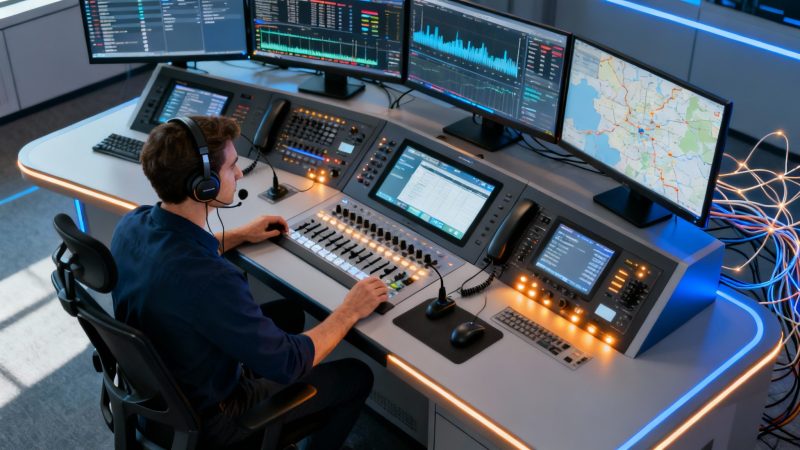
At its heart, a dispatch radio console is the command center's nervous system. It’s what pulls together all the different ways your team communicates—radio, phone, data—and puts it all into a single, straightforward interface for your dispatchers. This ensures they can talk to people in the field clearly and effectively, keeping a full picture of what’s happening during critical moments.
What Is a Dispatch Radio Console
Don't think of a dispatch console as just one piece of equipment. Picture an air traffic controller's workstation. That station pulls together radar feeds, weather data, and pilot communications so the controller can make sense of it all. A dispatch console does the same thing, just for first responders or enterprise teams. Its real job is to let a dispatcher manage chaos, coordinate a response, and be that calm, authoritative voice for crews on the ground.
This technology is the absolute critical link between your command center and your people in the field. It doesn't matter if they're police officers responding to a call, logistics drivers trying to coordinate a delivery, or event staff managing a huge crowd. If that console isn't working right, communication falls apart, response times drag, and risks go way up.
The Shift from Hardware to IP-Based Systems
It wasn't that long ago that dispatch consoles were massive, physical boxes. Everything was hardwired. If you wanted to add a new radio channel, you had to buy a new physical module, get a technician out to install it, and hope it all played nice. For a small town's fire department, a simple change like that could easily cost thousands and take weeks.
Today, things have changed completely. The industry has moved almost entirely to IP-based software consoles. These are modern systems that run on standard computers and use your network—the internet protocol (IP)—to connect to radios and everything else. It's a software-first approach that brings a ton of flexibility and real cost savings.
A modern dispatch radio console is more than just a PTT (Push-To-Talk) button; it's a software-driven command hub that bridges technological gaps, from legacy analog radios to modern digital networks, all from a single screen.
This shift isn't just a small trend; it shows how vital these systems have become for public safety and business logistics. The global market was valued at USD 1.89 billion last year and is expected to hit USD 2.89 billion within eight years. That kind of growth highlights just how much organizations are relying on these advanced communication platforms. You can dive into more data on the dispatch console market growth to see just how big this is getting.
Why This Matters for Your Budget
Once you understand this move from hardware to software, you can immediately see how it saves money. When you choose a modern, IP-based dispatch radio console, you skip the huge upfront cost of buying proprietary hardware. You’re moving from a massive capital expense to a much more predictable and scalable operational cost.
For example, think about a security company that needs an extra dispatcher for a big one-off event. With the old hardware, they'd have to buy a whole new physical station that would just collect dust afterward. With a software console, they can just activate a temporary license for a few days. That kind of flexibility is what makes it possible to build a coordinated, effective, and budget-friendly operation, no matter what industry you're in.
Hardware vs Software Consoles and How to Save Money
When you're outfitting a command center, one of the biggest decisions you'll make—and one that will echo through your budget for years—is choosing between a hardware and a software dispatch radio console. This isn't just about the initial price tag; it's about the total cost of ownership. It's the classic showdown between old-school, purpose-built machines and modern, flexible software.
Traditional hardware consoles are a major upfront investment. Think of them as specialized, single-purpose computers that only do one thing. You're buying proprietary physical boxes that are expensive to buy and even more expensive to upgrade. Need to add another dispatcher seat or support a new radio protocol? Get ready to buy more equipment, schedule a technician, and brace for potential downtime.
The Old Way: A Costly Proposition
Let's imagine a fire department running on a five-year-old hardware console system. A new regional interoperability standard is suddenly mandated, and they discover their current hardware is incompatible. The only fix is a full "rip-and-replace"—a daunting, six-figure project that means tearing out every dispatcher's desk unit and starting from scratch.
This is the fundamental financial risk of hardware-centric systems. You get locked into a vendor's world, where every single upgrade is a major capital expense. Even the annual maintenance contracts can run into thousands of dollars, adding a heavy, long-term financial burden.
The market is clearly shifting away from this model, with IP-based solutions becoming the new standard.
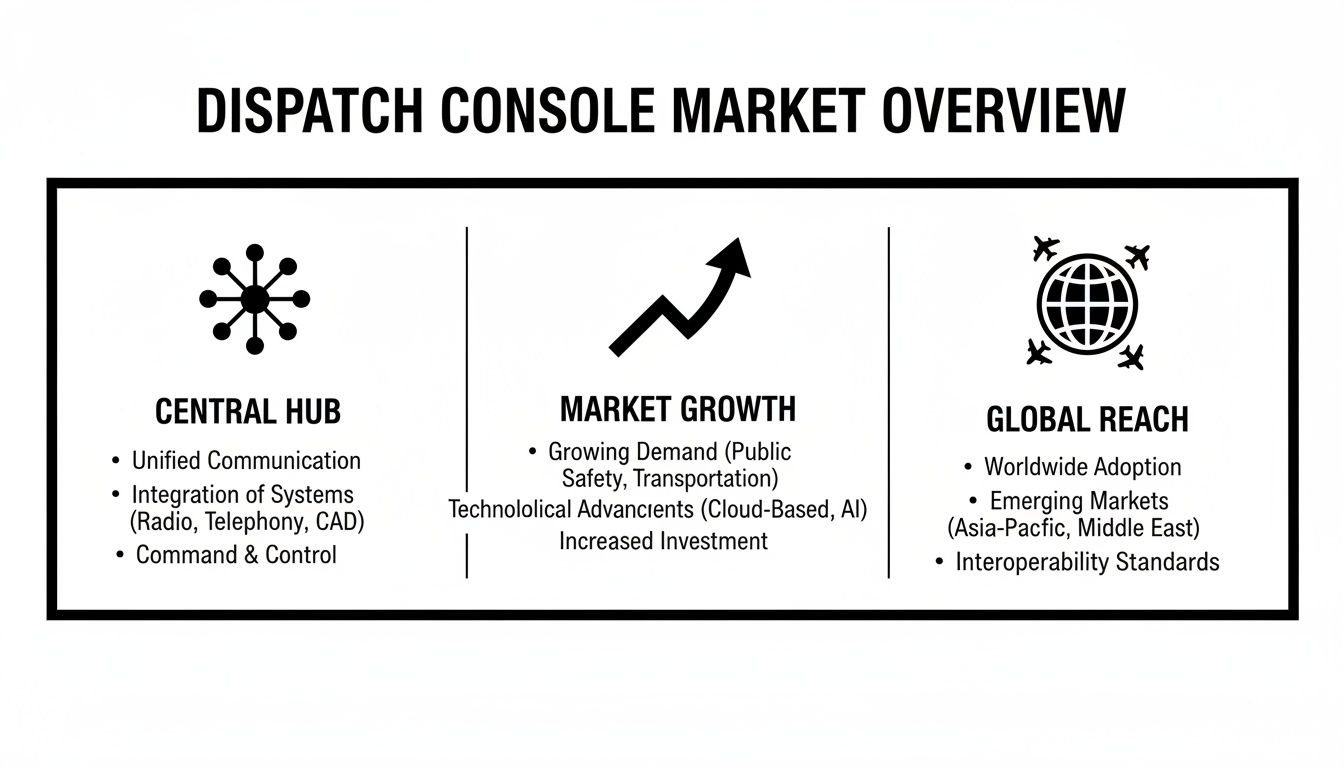
This image really drives home how IP-based systems now act as the central hub for modern communications. Their growth is fueled by the need for smarter, more cost-effective solutions that legacy hardware just can't match.
The New Way: Software-First Savings
Modern software-based solutions completely flip this script. Instead of proprietary boxes, these systems run on standard, off-the-shelf computers. This simple change transforms what was once a massive capital expense into a predictable, manageable operational cost. The console is just an application, not a piece of bulky, specialized hardware.
The savings are immediate and real.
- No More Proprietary Hardware: You can stop buying expensive, single-function boxes. A standard desktop or laptop is all you need.
- Scale When You Need To: A growing security firm can add a dispatcher for a weekend event with a simple software license—often activated in minutes. When the event's over, the license can be turned off.
- Upgrades Are Simple: New features and security patches are pushed out through software updates, just like an app on your phone. No more waiting for a technician.
- Lower Maintenance Costs: Without proprietary hardware to fix and maintain, those expensive service contracts become a thing of the past.
By adopting a software-based dispatch radio console, organizations can reduce their Total Cost of Ownership (TCO) by up to 40% over a five-year period. You just sidestep the entire hardware replacement cycle and ditch those costly maintenance agreements.
The numbers don't lie. IP-based dispatch radio consoles have taken over the market because they seamlessly integrate with VoIP, cloud technology, and real-time data. The market is projected to hit USD 2.61 billion soon, a testament to just how much more powerful and scalable these systems are compared to old TDM technology.
Hardware vs Software Dispatch Consoles
To put it all in perspective, here’s a straightforward comparison of the two approaches.
| Feature | Hardware Console | Software Console |
|---|---|---|
| Initial Cost | High. Requires proprietary physical units for each position. | Low. Runs on standard off-the-shelf PCs or laptops. |
| Scalability | Difficult & Expensive. Adding seats requires new hardware. | Easy & Affordable. Add users with a simple license change. |
| Upgrades | Complex. Often requires a "rip-and-replace" or technician. | Simple. Delivered via software updates, often remotely. |
| Maintenance | High. Requires expensive annual service contracts. | Minimal. No proprietary hardware to maintain. |
| Deployment Location | Fixed. Tied to a physical location and desk. | Flexible. Can be deployed in a center, remotely, or in the cloud. |
| Vendor Lock-In | High. You are tied to a single vendor's ecosystem. | Low. Based on open standards, offering more choice. |
The table makes it clear: while hardware consoles were once the only option, software has introduced a level of flexibility and cost-efficiency that is hard to ignore.
As you plan your setup, it's important to think about the entire ecosystem of services, hardware, and software within your agency. A software solution radically simplifies this ecosystem.
For any organization that needs to control costs without giving up critical capabilities, the choice is obvious. A software-first approach creates a more agile, budget-friendly, and future-proof command center. By stepping away from capital-intensive hardware, you can put your resources where they matter most and adapt to whatever comes next without breaking the bank.
Take a look at our flexible pricing models to see just how a predictable operational expense model compares.
Core Features Your Dispatch Console Must Have
A modern dispatch console is so much more than a fancy microphone. To really give your dispatchers the tools they need and keep operations running smoothly, you need a specific set of features that all work together. These aren't just "nice-to-haves"—they are mission-critical tools that make your team more efficient, give them better situational awareness, and frankly, save money by preventing simple mistakes.
This whole idea of a central command hub has been around for a long time. Back in 1928, the Detroit Police were already trying out one-way mobile radios. But the real game-changer came in 1933 when New Jersey kitted out nine patrol cars with actual two-way systems, which completely changed response times. When they started plugging this tech into call switchboards in the 1930s and 40s, we saw the great-grandfather of the consoles we use today.
Multi-Channel Monitoring and Management
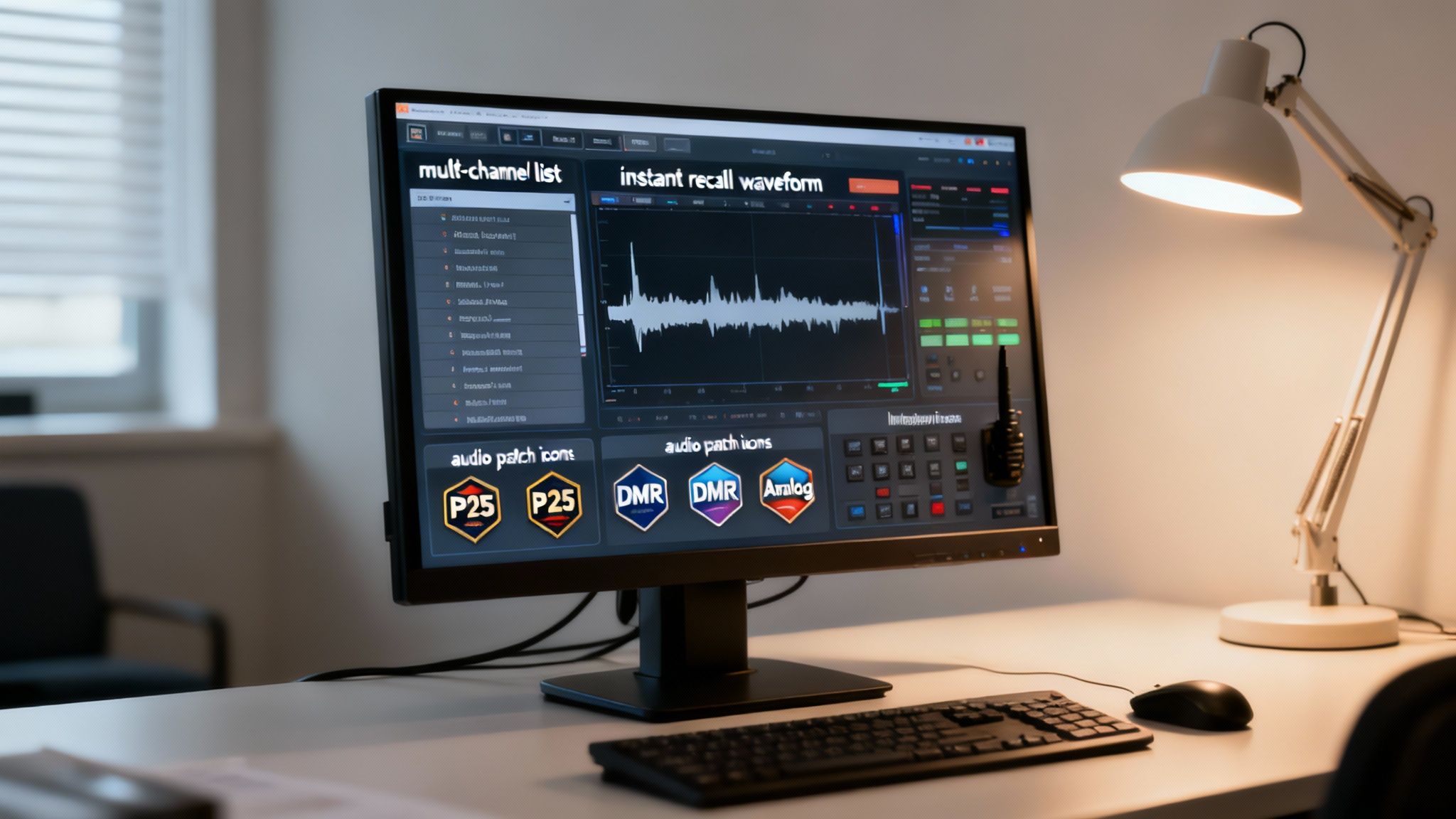
A dispatcher’s job is a constant juggling act of listening, processing, and responding to a ton of information at once. So, the absolute core of any good console is the ability to monitor multiple radio channels at the same time without it turning into chaos. The interface has to be intuitive, letting a dispatcher instantly pick a channel to talk on, silence others, and see what's happening across the entire network at a glance.
Practical Example: Think about a dispatcher at a large university. They’re juggling security, maintenance, and event staff channels. During a big football game, they can listen to all three but instantly jump on the security channel for an emergency while keeping maintenance in the loop on a separate issue—all from one screen.
Instant Recall and Logging
Let's be honest, human memory isn't perfect, especially under pressure. That's why Instant Recall Recording is a non-negotiable feature. It lets dispatchers immediately replay the last few seconds or minutes of a radio call. This is huge for double-checking an address, confirming a license plate, or just making sense of a garbled message.
Actionable Insight: This feature is a money-saver, plain and simple. Sending a fire truck to "123 Oak Street" instead of "123 Oak Avenue" wastes time, fuel, and resources, and it could have terrible consequences. Instant recall just about eliminates that risk. You also need solid logging capabilities. The ability to easily search and pull audio logs for after-action reviews or legal purposes is a function that absolutely protects your agency from liability.
Dynamic Audio Patching and Interoperability
This is where modern consoles really show their power. Interoperability is all about connecting different radio systems that normally can't talk to each other. Dynamic audio patching is how the dispatcher makes it happen, creating a temporary "bridge" between channels with just a click.
The real power of a modern console is its ability to act as a universal translator. It can take an old analog fire department radio, a new digital P25 police system, and a public works DMR network and merge them into a single, unified command channel during a major incident.
Practical Example: Imagine a city-wide flood. The fire department is on VHF analog, the police are on an 800 MHz P25 system, and public works is using DMR. The dispatcher uses the console to patch these three channels together. Just like that, a firefighter can talk directly to a police officer, making the entire multi-agency response safer and more efficient. Investing in a console with this built-in saves a ton of money on expensive third-party gateways and custom programming. It makes sure your initial investment is ready for whatever comes your way. You can see how these advanced functions are built into a complete platform by checking out a comprehensive overview of dispatch system features.
How to Choose the Right Console for Your Agency
Picking a new dispatch radio console is a huge decision. It's one of those choices that will ripple through your agency's efficiency, budget, and future capabilities for years to come. This isn't about getting the flashiest system on the market; it's about finding the one that truly fits how you operate day-in and day-out. A little extra thought upfront can save you from a world of headaches down the road.
The right choice always starts with a brutally honest look at your agency's actual needs. Every organization is different. You might be a small security firm keeping track of a handful of guards, or you could be a massive public safety agency coordinating a response across multiple counties. The key is to cut through the marketing fluff and get down to what your dispatchers really need to do their jobs.
Define Your Core Operational Needs
Before you even glance at a product brochure, you need to map out what your console has to do. Seriously, this internal audit is the most critical step. A mismatch here is how you end up with a system that creates more problems than it solves, wasting money and frustrating your team.
Start by asking the big questions:
- How many radio channels are we actually monitoring? Get a real count of your primary, secondary, and mutual aid channels. This number is a major driver of the complexity and cost of the console you'll need.
- What radio tech are we using? Are your teams on old-school analog, modern digital systems like P25 or DMR, or a messy mix of both? Your console absolutely has to bridge these different worlds without a hitch.
- What does it need to talk to? Think about your other systems. Will the console need to hook into your Computer-Aided Dispatch (CAD), GIS mapping, or logging recorders? Figuring out integration now prevents massively expensive custom work later.
Choosing a console is like buying a vehicle for your business. A landscaping company doesn't need a sports car, and a delivery service doesn't need a dump truck. You have to match the tool to the job it will be doing every single day.
Look Beyond the Price Tag with Total Cost of Ownership
Actionable Insight: If I can give you one money-saving tip, it’s this: calculate the Total Cost of Ownership (TCO), not just the sticker price. A console that looks cheap upfront can bleed you dry over time with hidden maintenance fees, upgrade costs, and licensing gotchas. TCO gives you the real story of your long-term financial commitment.
Practical Example: Imagine a local event management company. They might handle a dozen small gigs a year but need a massive communication setup for one huge, three-day music festival. A traditional hardware console would force them to buy enough physical seats for their busiest weekend. That means expensive equipment would just be gathering dust for 95% of the year. Now, picture them with a scalable software console. They can just add dispatcher licenses when they need them for that big festival. They only pay for what they use, when they use it. This kind of flexibility can literally save them tens of thousands of dollars compared to a fixed hardware system.
Prioritize Scalability and Future-Proofing
Your communication needs are going to change. It's a guarantee. Picking a dispatch radio console that can grow with you is the only way to protect your investment. A system that’s a pain to scale will become a roadblock fast, forcing you into another costly replacement project sooner than you think.
When you're looking at options, keep these future-proofing factors in mind:
- Ease of Expansion: How hard is it to add another dispatcher? With a software-based system, it should be as simple as activating a new license.
- Protocol Support: Does the system play nice with emerging tech like Mission Critical Push-to-Talk (MCPTT) over LTE/5G? A forward-looking console gets you ready for the next wave of communication.
- Open Architecture: Don't get locked into one vendor. Consoles built on open standards, like those from Zetron, can integrate with gear from hundreds of different manufacturers, giving you a ton of freedom and flexibility.
By focusing on TCO and scalability, you stop thinking about this as a one-time purchase and start seeing it as a long-term strategic partnership with your technology. This approach lets you find a solution that works for your operations today and your budget tomorrow, making sure your command center is always ready for whatever comes next.
Integrating Your Console for Seamless Operations
A dispatch radio console is a powerful tool on its own, but its true potential is unlocked when it becomes the nerve center of your entire operational ecosystem. Think of it like a smartphone—making calls is great, but the real magic happens when you integrate apps for maps, calendars, and messaging. In the same way, your console needs to plug into other critical systems to create a single, unified command interface.
This isn't just about technical bells and whistles. It's about boosting efficiency and cutting down the risk of human error when the pressure is on. When all your systems are talking to each other, your dispatchers can make faster, smarter decisions.
Key Integration Points for Your Console
To get that complete operational picture, a modern dispatch console has to connect with several key platforms. Every connection you make shaves off another layer of friction, saving precious seconds that can make all the difference in an emergency.
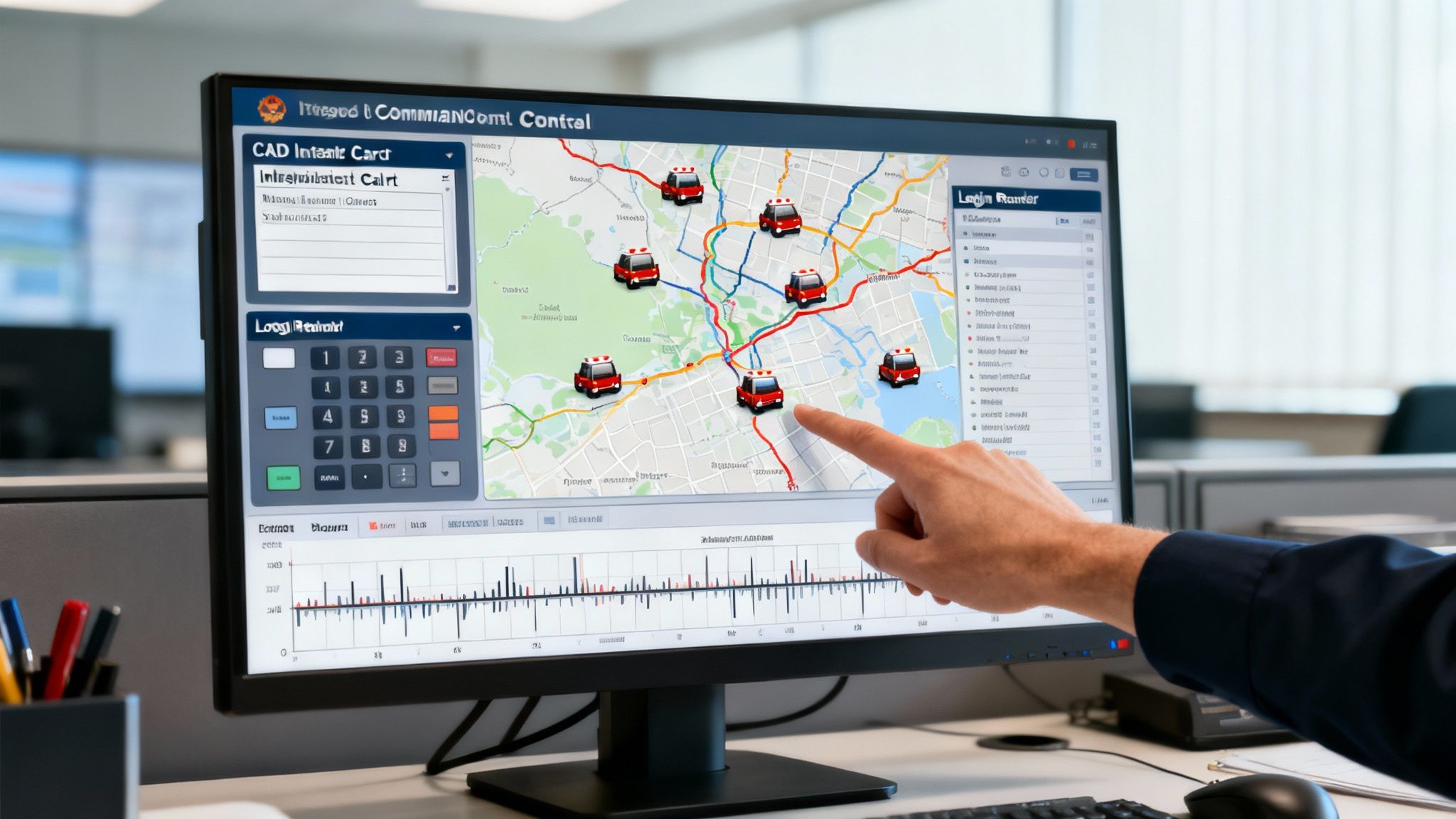
- Computer-Aided Dispatch (CAD): This is the big one. Linking your console and CAD means a dispatcher sees a unit's status—like en route or on-scene—and their location right on the screen next to the radio controls. No more toggling between different apps, which means fewer missed updates and better situational awareness.
- GIS Mapping: When you connect your console to a Geographic Information System (GIS), location data comes to life. Instead of just an address, your dispatcher sees a dynamic map showing unit locations, live traffic, and critical infrastructure like fire hydrants or building blueprints.
- Logging Recorders: Most consoles have some built-in recording, but integrating with a centralized logging recorder is a game-changer. It ensures all communications—radio, phone calls, and data—are captured in one secure, searchable place for incident reviews, training, or legal discovery.
The Financial Trap of Closed Ecosystems
Actionable Insight: Here’s a piece of advice that could save you a small fortune: avoid vendor lock-in. Many old-school hardware providers build "walled gardens," making it absurdly difficult and expensive to connect their console to another company's CAD or mapping system. They essentially force you into their proprietary—and often overpriced—ecosystem.
The biggest long-term cost of a dispatch radio console often isn't the console itself. It's the custom development needed to force it to play nice with your other systems. Choosing a console with open APIs is the single best way to protect your budget from these hidden integration fees.
Practical Example: A small county police department might have a perfectly good CAD system from one vendor but need a new radio console from another. If that console uses a closed, proprietary system, getting it to talk to the existing CAD could cost tens of thousands in custom programming. In contrast, a modern software console with open APIs can often connect to that same CAD with minimal configuration, saving the entire custom development budget.
How Open APIs Create Savings and Flexibility
An Application Programming Interface (API) is basically a universal adapter for software. A console built with open APIs is designed from the ground up to communicate easily with other platforms. This approach gives you two massive financial benefits.
First, it drastically reduces or even eliminates the need for custom development. Your IT team or a third-party integrator can link systems using standardized tools, sidestepping the expensive, specialized work that closed systems demand.
Second, it future-proofs your investment. If you decide to switch your CAD or mapping provider in five years, a console with open APIs can adapt without a fuss. You won't be forced to rip and replace your entire console system just because you changed one piece of your software stack. Platforms like Resgrid, which offers a variety of dispatch and first responder apps, are built on this very principle of open connectivity.
By making an open dispatch radio console a priority, you ensure your command center is not just effective today but also agile and affordable for years to come.
Of course. Here is the rewritten section, crafted to sound like a human expert and match the provided examples.
Dispatch Radio Consoles: Your Questions Answered
If you're looking at new dispatch radio consoles, you’ve probably got a lot of questions. It's a big investment, and getting straight answers is the only way to make a smart call for your team and your budget. Let's dig into some of the most common things people ask.
How Much Does a Dispatch Radio Console Cost?
Honestly, the price tag can be all over the map. Traditional hardware consoles are a huge upfront expense, often starting at $20,000 or more per seat. And that’s usually before you even start talking about the pricey ongoing maintenance contracts they lock you into.
Actionable Insight: Software-based consoles flip that model on its head. They’re usually subscription-based, which turns a massive capital purchase into a predictable, manageable operating cost. This approach saves a ton of money right away by getting rid of the need for proprietary hardware and expensive service agreements. You pay for what you need, when you need it.
Can I Connect Different Types of Radios?
Yes, absolutely—and this is probably one of the most important jobs of a modern, IP-based console. This is what we call interoperability, and it lets the console act as a digital bridge between radio systems that otherwise couldn't talk to each other.
Practical Example: A modern console can seamlessly connect your old analog radios with newer digital systems like P25 or DMR. This is mission-critical when you're coordinating a multi-agency response or calling for mutual aid during a major incident. Having this built right in means you don't have to buy expensive third-party hardware gateways just to get your different radio networks to play nice together, which can save thousands per connection.
Do I Need a Physical Desk Console for Remote Dispatch?
Nope, and this is a game-changer with software solutions. A modern software console lets your dispatchers work securely from anywhere they have a solid internet connection. That kind of operational flexibility is huge, especially for business continuity.
Practical Example: It means your command center keeps running even if your main building is out of commission due to a power outage or natural disaster. It also opens up staffing possibilities. You could have a part-time dispatcher log in from a home office during a major event, saving you the cost of building out another physical dispatcher position in your main center. It's a powerful way to build resilience into your operations.
At Resgrid, LLC, we're focused on providing powerful, open, and affordable tools without locking you into crazy contracts. Our platform is built to give you the flexibility to manage your dispatch operations from wherever you need to be. Learn more about Resgrid's dispatch solutions.