
cad for police: Boost Dispatch and Officer Safety
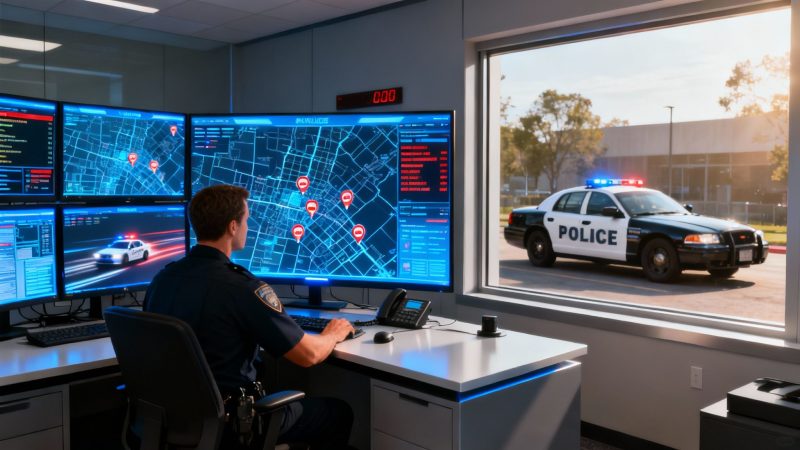
A CAD for police is the digital command center for any modern law enforcement agency. You can think of it as the central nervous system connecting 911 calls to the officers out on the street. It’s like an air traffic control system, but for public safety—turning a flood of incoming emergency information into a coordinated, real-time response that saves lives, keeps officers safe, and makes the most of department resources.
The Operational Heart of Modern Policing
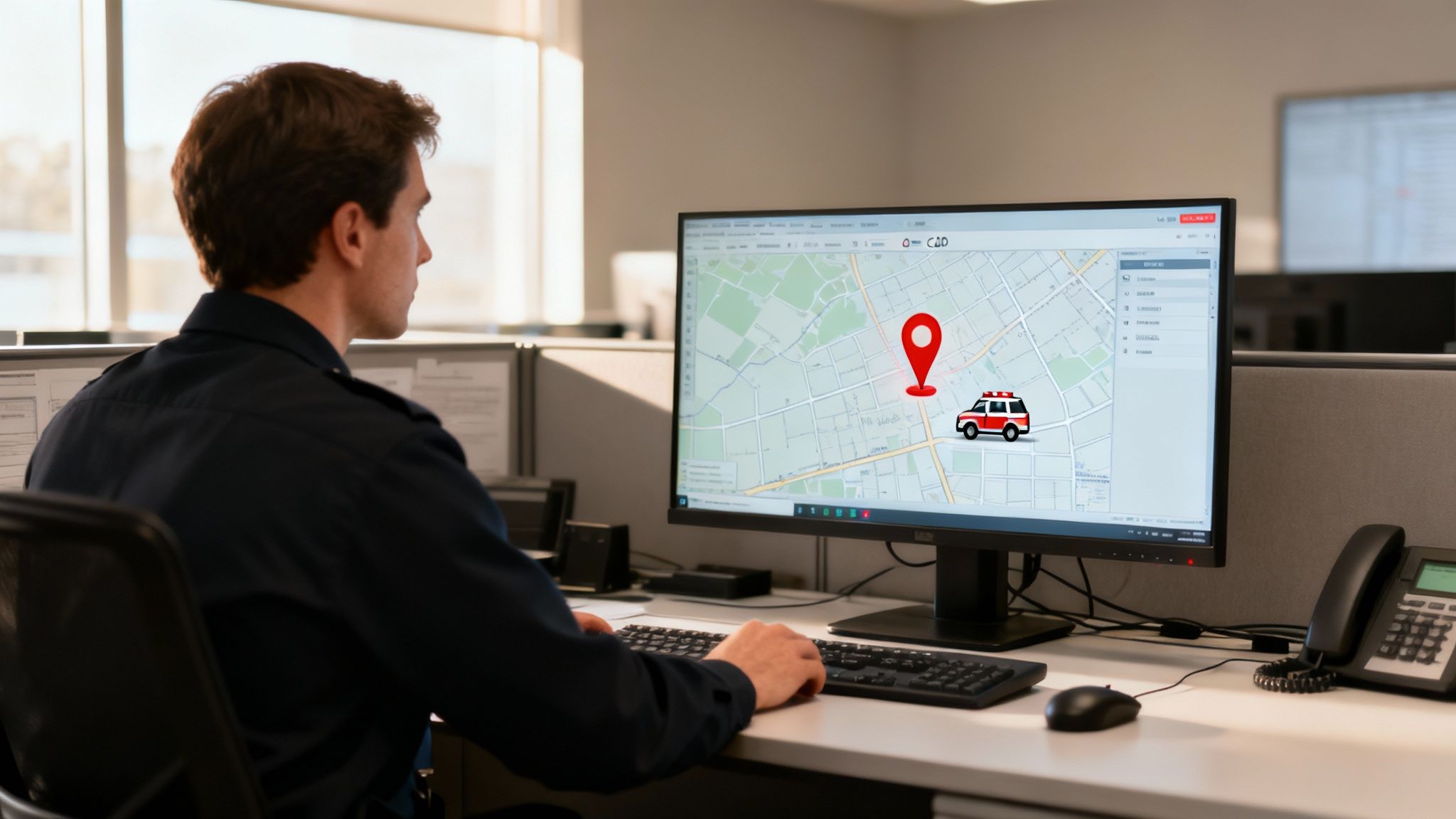
At its most basic level, a Computer-Aided Dispatch (CAD) system is a powerful software platform that dispatchers use to create, manage, and track incidents. When a call comes in, the CAD becomes the single source of truth for that entire event. It logs the time, location, and nature of the call, then helps the dispatcher identify and assign the closest, most appropriate police units.
But this technology is so much more than just a digital logbook. It’s a genuine force multiplier, giving officers critical situational awareness before they even arrive on scene. This is where departments see a real, tangible impact on both their safety record and their budget.
Let’s walk through a practical example: A dispatcher gets a 911 call about a suspected break-in. Instantly, the CAD system shows the caller's location on a map, overlayed with the real-time positions of all active patrol cars. The system might even automatically recommend the two closest units. As the dispatcher sends them, they can attach critical notes to the incident file—like "suspect may be armed" or "caller reports broken window at the rear"—which pop up immediately on the officers' in-car terminals. This avoids miscommunication over the radio and ensures every responding officer has the exact same information.
Before we dive deeper, here's a quick look at the core functions that make a police CAD system tick. This table breaks down the main jobs of a CAD, what they're designed to achieve, and how they play out in the real world.
Core Functions of a Police CAD System at a Glance
| Function | Primary Goal | Practical Example |
|---|---|---|
| Call Taking & Logging | Capture and structure incoming 911/emergency call data accurately. | A dispatcher enters caller details, location, and the nature of the emergency into a structured form, creating a new incident. |
| Unit Dispatching | Assign the best-suited available units to an incident as quickly as possible. | The system suggests the two closest patrol cars based on AVL data, and the dispatcher assigns them with a single click. |
| Status Monitoring | Maintain real-time awareness of every unit's status and location. | A dispatcher sees that Unit 12 is "On Scene," Unit 14 is "En Route," and Unit 15 is "Available for Call." |
| Mapping & GIS | Visualize incident locations, unit positions, and relevant geographic data. | An officer sees the exact incident location on their mobile map, along with traffic conditions and nearby fire hydrants. |
| Information Sharing | Provide critical data from records and other systems to field units. | The CAD alerts responding officers that the address has a history of domestic violence calls or a registered firearm. |
This table just scratches the surface, but it gives you a solid idea of how these pieces fit together to create a cohesive response system. Now, let's explore why this is so essential.
Why Is a Police CAD System So Essential?
Without a CAD system, dispatchers are stuck with manual processes, endless radio chatter, and paper logs. Anyone who’s worked in that environment knows it's slow, prone to human error, and creates dangerous information gaps. A modern CAD for police fixes these problems by bringing structure, clarity, and speed to situations where every second counts.
The key operational benefits are impossible to ignore:
- Faster Response Times: By automatically suggesting the nearest available unit, CAD systems can shave critical minutes off response times. In emergencies, those minutes are often the difference between life and death.
- Improved Officer Safety: Officers get vital intel—like a location’s history of violent calls or the presence of known hazards—before they arrive. This allows them to prepare and approach with the caution and tactics the situation demands.
- Efficient Resource Management: Dispatchers can see the status of every single unit (on patrol, on a traffic stop, responding to a call), ensuring they assign the right resources without overloading any officer or leaving an area uncovered.
A CAD system can reduce radio traffic by up to 50%. This frees up the airwaves for truly critical communications and drastically minimizes the chance of missed details during a chaotic event. That efficiency translates directly to fewer errors and safer outcomes for everyone.
The Financial Case for Modern CAD
Investing in a modern CAD system isn't just an operational upgrade; it offers a clear return on investment. The global market for these systems was valued at around $2.6 billion and is projected to hit $7 billion by 2034. Public safety agencies make up over 46.9% of that demand for a reason. You can find out more about the CAD market projections to see where the industry is headed.
Actionable Insight to Save Money: By optimizing patrol routes and dispatch assignments, a CAD system directly cuts down on fuel consumption and vehicle wear and tear. An agency can analyze its CAD data to spot high-call-volume areas and proactively stage units nearby. This simple, data-driven strategy replaces guesswork, reduces unnecessary driving, and can save thousands of dollars a year in fleet costs alone. For example, by identifying that 70% of traffic incidents occur on a specific three-mile stretch of highway between 4 PM and 6 PM, a department can pre-position a unit there, cutting response time and saving fuel on cross-town travel.
Must-Have Features of Modern Police CAD
Any basic Computer-Aided Dispatch system can log a call and track a unit. But a truly effective CAD for police is a different beast altogether—it's a mission-critical tool that has to be packed with specific, powerful functionalities. These aren't just flashy add-ons; they are the core components that deliver real results in officer safety, response times, and overall efficiency.
Let's move beyond a simple checklist and dig into the essential features that separate a standard system from a truly superior one. Each feature works together, creating a seamless flow of information from the dispatch center straight to the officer in the field. Once you understand the "why" behind each one, you start to see their real value.
Intelligent and Automated Dispatching
At its heart, a CAD's most fundamental job is to get the right help to the right place, fast. Modern systems nail this with intelligent dispatching algorithms. Instead of a dispatcher manually scanning a list of units on a screen, the software automatically analyzes an incident's location and recommends the closest, most appropriate units available.
Practical Example: A high-priority call for a robbery in progress comes in. The CAD system instantly cross-references the location with the real-time GPS data from every single patrol car. It flags the two closest units—one is three blocks away, the other is five. They pop up on the dispatcher's screen, who can then assign them with a single click. This shaves off critical seconds that would have been wasted on radio chatter just trying to figure out who was closest.
Actionable Insight to Save Money: This kind of automation has a direct impact on the budget. Faster assignments mean incidents get resolved more quickly, cutting down the time officers spend on any single call and freeing them up for the next one. That efficiency boost helps reduce the need for overtime staffing to cover high call volumes, a major expense for any department.
Real-Time GPS Mapping and Geofencing
In an emergency, visual context is everything. A modern police CAD absolutely must include robust, real-time GPS mapping that shows not just the incident location but the live position of every officer and vehicle. This gives dispatchers an immediate, bird's-eye view of their entire operational area.
A powerful mapping feature isn't just about dots on a screen. It’s about creating a dynamic operational picture that allows dispatchers to coordinate a multi-unit response with precision, ensuring officers don't arrive on top of each other and can establish a secure perimeter quickly and safely.
Advanced mapping also brings geofencing into play. Practical Example: Dispatchers can digitally draw a perimeter around a location, like a school during a lockdown or a large crime scene. If a tracked unit enters or leaves that designated area, the system can fire off an automatic alert. This gives command a much tighter grip on complex, evolving situations.
Seamless RMS Integration
One of the biggest time-sinks in law enforcement is redundant data entry. It’s a classic problem: an officer files a report in their vehicle's system, only for someone back at the station to re-type that same information into the Records Management System (RMS). This is where seamless RMS integration becomes a total game-changer.
When a CAD and RMS are properly connected, they share information back and forth automatically.
- Call data flows directly: When a dispatcher creates a call in the CAD, a corresponding incident record is instantly started in the RMS. No double entry.
- Officers access history instantly: Responding officers can pull up a suspect's history or previous calls at an address right from their in-car terminals, without having to radio dispatch for the info.
- Reports are auto-populated: Information from the CAD call—like times, locations, and individuals involved—automatically fills in the officer's report in the RMS.
Actionable Insight to Save Money: This single feature frees up countless hours, letting officers spend more time on patrol and less time chained to a keyboard. If integration saves an officer just 15-20 minutes of administrative work per call, an agency handling 50 calls a day reclaims over 12 hours of productive patrol time daily—the equivalent of adding more than one full-time officer to the street without the associated salary and benefits cost. It's interesting to see how many of these capabilities draw parallels with what you'd find in sophisticated field service management software.
Dynamic Unit Status Management
Knowing exactly what every unit is doing at any given moment is vital. A modern CAD gives dispatchers clear, one-glance unit status updates. They can instantly see who is available, en route, on-scene, transporting a suspect, or tied up on a traffic stop.
In the United States, which is leading the regional CAD market, state governments and public safety agencies are prioritizing these kinds of advanced solutions. This investment is all about getting better real-time information to improve coordination, response times, and officer safety. These systems give commanders a clear, live view of their resources, which is essential for making smart decisions under pressure.
Actionable Insight to Save Money: By tracking these statuses over time, a police department can analyze historical data to spot peak times for specific call types. This allows them to proactively adjust shift schedules and patrol zones, making sure coverage is strongest when and where it's needed most—a smart way to optimize staffing budgets and reduce overtime. You can see how these kinds of tools work by checking out the full list of Resgrid’s dispatching features.
The Police CAD Workflow in Action
Feature lists and technical specs are one thing, but to really get what a CAD for police system does, you need to see it in motion. Let's walk through a couple of real-world scenarios, one high-stakes and one routine, to show how the software acts as the nerve center for an entire department.
First up, a high-priority call: a robbery in progress. This is where a CAD system truly shines, coordinating a fast, smart response when every second is critical.
Scenario One: A Robbery in Progress
A 911 call comes in—a masked person with a weapon at a downtown convenience store. The call taker immediately punches the address and key details into the CAD, instantly creating an incident file.
The system is smart enough to know this is a top-priority call and automatically flags it as "Code 3." Its dispatch algorithm gets to work, analyzing the real-time GPS locations of all active patrol units. It spots Unit 12 just two blocks away and Unit 7 four blocks out, recommending both for assignment.
With a single click, the dispatcher sends them. Instantly, all the incident details—suspect description, weapon confirmed—flash onto the officers' mobile data terminals (MDTs) inside their cruisers. They tap to acknowledge the call, and their status in the CAD flips from "Available" to "En Route" without a word spoken over the radio.
The caller adds more info: "suspect fled on foot, heading north on Elm Street." The dispatcher types this into the CAD notes, and the update is pushed to every responding officer's screen in real time. This keeps radio channels clear for critical commands and ensures everyone has the same intel.
Actionable Insight to Save Money: Because the system captures every detail digitally from the get-go, it auto-populates the initial incident report. This can save officers 15-20 minutes of paperwork per call, which adds up to thousands of dollars in reclaimed patrol time for an agency over a year. That saved time directly translates into more visible patrols and community engagement, improving public safety without increasing the budget.
This flow, from the initial ping to mapping and data logging, is the core of what makes CAD so powerful.

As you can see, every step is connected, creating a seamless pipeline of information that boosts both speed and accuracy. Now, let’s see how the same system handles a much more common, lower-priority call.
Scenario Two: A Routine Noise Complaint
It's 10:30 PM on a Friday. A call comes in about a loud party in a residential neighborhood. The dispatcher creates a new incident, categorizing it as a low-priority, non-emergency call.
Unlike the robbery, there’s no immediate, multi-unit recommendation. Instead, the call lands in a queue, visible to the dispatcher and the patrol supervisor. The dispatcher can see that the local unit for that zone, Unit 5, is currently tied up on a traffic stop.
The CAD shows Unit 5's status as "Busy," with an estimated clear time of ten minutes. There's no need to interrupt that officer or pull another unit from across town. The dispatcher simply leaves the call pending. As soon as Unit 5 clears the stop and marks themselves "Available," the CAD prompts the dispatcher to assign them the noise complaint.
The officer in Unit 5 gets the details on their MDT, heads to the location, handles the situation, and marks the call "Complete" right from their vehicle. The whole interaction is logged with precise timestamps, from the initial report to resolution.
This workflow is a masterclass in managing resources effectively.
- Keeps Units Ready for Emergencies: High-priority units aren’t sidetracked by minor calls, ensuring they stay available for what really matters.
- Makes the Most of Officer Time: The system helps dispatchers assign tasks logically, cutting down on unnecessary driving and saving fuel.
- Fuels Smarter Planning: Supervisors can analyze CAD data later to spot trends, like neighborhoods with frequent noise complaints, and adjust patrol schedules to be more proactive.
These kinds of workflows are powered by robust mobile tools that keep officers connected to the dispatch center. To see how these capabilities come to life in the field, you can check out modern dispatch and first responder mobile apps that put the full power of a CAD system right in an officer's hand.
How Resgrid Delivers Affordable CAD Solutions
Let's be honest: modernizing a police department's tech stack shouldn't require a blank check. For far too long, getting a powerful Computer-Aided Dispatch system meant facing down massive upfront costs, wrestling with complicated on-premise servers, and hiring a dedicated IT team just to keep the lights on. We believe there’s a better way. Resgrid provides a direct path to getting the essential CAD for police capabilities you need, without that steep price tag.
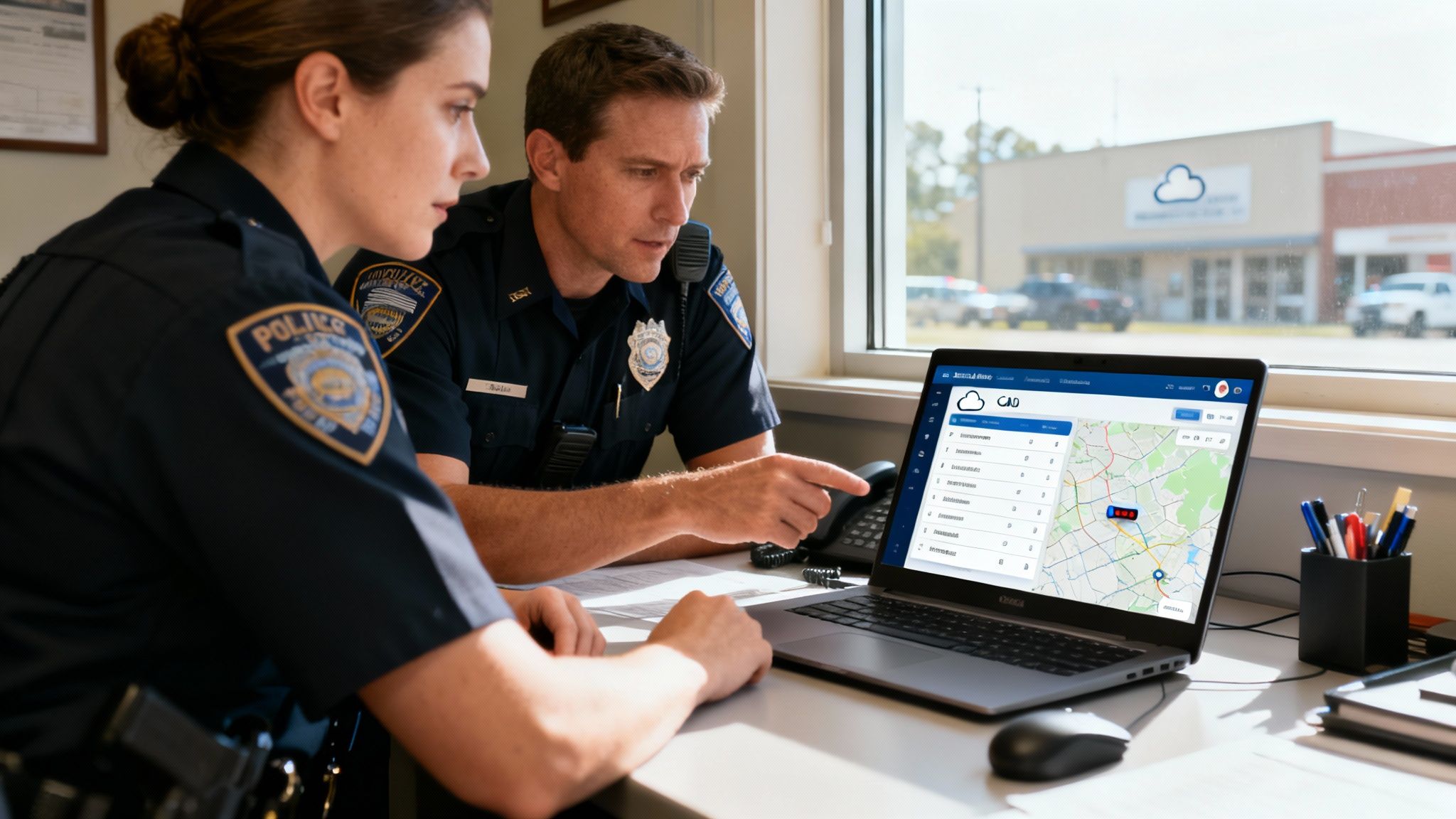
So, what's the secret? It all comes down to our cloud-based platform. By moving the entire infrastructure to the cloud, Resgrid instantly gets rid of the two biggest expenses tied to old-school systems: pricey server hardware and the specialized IT staff needed to maintain it. This shift directly slashes the Total Cost of Ownership (TCO), which frees up agency funds for other critical needs like training, new equipment, or community outreach programs.
This approach gives you a clear, predictable financial model that works for agencies of any size. It’s about achieving operational excellence without blowing your budget.
Practical Money-Saving Examples in Action
Let's look at a real-world scenario. Imagine a small-town police department trying to make every dollar count. Before, they were probably managing patrol shifts and dispatching calls with a mix of manual spreadsheets and constant radio chatter. That often led to inefficient assignments and a ton of costly overtime when things got busy.
Practical Example: By bringing Resgrid into the mix, the department gets its hands on powerful dispatching and scheduling tools. The chief can now look at actual call volume data from the system, spot the peak hours, and adjust patrol schedules to match the demand. This data-driven approach means having the right number of officers on duty when they're needed most, drastically cutting down on unplanned overtime—a savings that can easily add up to thousands of dollars a year.
The core idea is simple: you get the essential, mission-critical features of a high-end CAD system without the crippling financial overhead. This levels the playing field, allowing smaller agencies to access the same kind of technology that was once only available to large, metropolitan departments.
This shift toward scalable and integrated solutions is happening everywhere. In fact, the Asia-Pacific CAD market is projected to grow at a CAGR of 13.26%, a trend largely driven by smart-city initiatives and the push to modernize emergency services. It's a clear signal of a worldwide move toward flexible systems that can handle the growing demands on public safety. You can discover more insights about the global CAD market to see how this trend is playing out across the globe.
Reducing Training Costs and Boosting Efficiency
Another huge cost that often gets overlooked is training. Complex, clunky software can take weeks to learn, and that's time your dispatchers and officers aren't spending on their real jobs. Resgrid was designed from the ground up with a clean, intuitive interface that massively shortens that learning curve.
- Faster Onboarding: New dispatchers can get up to speed in a fraction of the time, cutting down the cost and administrative headache of long training programs.
- Minimal Officer Training: The mobile app is straightforward, so officers in the field can start using it effectively from day one with very little instruction.
- Reduced Errors: An easy-to-use system naturally leads to fewer data entry mistakes. That means more accurate incident reports and better data for analysis down the road.
Actionable Insight to Save Money: By focusing on user experience, Resgrid lets your personnel concentrate on their jobs, not on fighting with their software. This commitment to simplicity and power makes modern CAD for police accessible and affordable. To see exactly how the costs break down, you can explore the different options available by checking out Resgrid’s straightforward pricing plans. This transparency lets departments plan their budgets accurately, without ever having to worry about hidden fees or surprise charges.
Planning Your CAD System Implementation
Bringing a new CAD for police system online is a huge undertaking. Let's be honest, it’s more than just flipping a switch. But if you map it out correctly, the move can be surprisingly smooth. A solid plan isn't about the tech alone; it’s about creating a connected ecosystem for your whole department—one that's secure, intuitive, and actually helps people do their jobs.
Getting it right from the get-go saves a ton of headaches and rework down the line. It all starts with integration. Your new CAD can't be an island. It has to talk to your other critical systems, especially your Records Management System (RMS) and evidence platforms. This is the only way to break down the data silos that create so much duplicate work.
Think of it this way: without a good connection, your data is stranded, forcing officers to manually carry information from one system to another. A powerful Application Programming Interface (API) is the bridge that lets that information flow automatically and in real time.
Laying the Foundation with Strong Integration
When you're vetting a new CAD provider, their API should be one of the first things you ask about. Seriously. A system with a weak or closed-off API will cause more problems than it solves, leading to endless manual data entry. That’s not just slow—it's a breeding ground for errors that can have real consequences on the street.
Practical Example: When a CAD system and RMS are properly hooked up, the incident report an officer starts in their vehicle automatically pulls in all the key dispatch info—time of call, location, complainant name, and initial narrative. That one simple connection can easily save an officer 15-20 minutes per call. For a mid-sized department, that adds up to thousands of hours of patrol time back on the streets every year.
Actionable Insight to Save Money: Before you even think about signing a contract, ask potential vendors to show you concrete examples of their CAD integrating with the specific RMS you use. A vendor with pre-built integrations can save you tens of thousands in custom development fees and shave months off your implementation timeline.
Prioritizing Mobile Access and Security
These days, the patrol car is the office. Your CAD has to live outside the four walls of the dispatch center and get full functionality into the hands of your officers. A reliable, easy-to-use mobile app isn't a nice-to-have; it's non-negotiable. It lets officers see call updates, look at maps, update their status, and file initial reports without being glued to the radio or a clunky laptop.
Of course, all that connectivity puts a huge spotlight on security. Law enforcement data is about as sensitive as it gets, and it has to be locked down tight.
- CJIS Compliance: Any system touching criminal justice information must meet the FBI's Criminal Justice Information Services (CJIS) security policy. This is the absolute baseline, not a bonus feature.
- Data Encryption: All data needs to be encrypted, whether it’s sitting on a server ("at rest") or being sent to an officer's phone ("in transit").
- Access Controls: The system must let you define who can see what. You need granular permissions to ensure personnel can only access information they are authorized to see.
Planning for Effective User Training
At the end of the day, the most advanced technology on the planet is worthless if your team doesn't know how to use it. A good implementation lives or dies by its training plan. The goal is simple: get everyone comfortable and confident with the new tools as quickly as possible, without disrupting daily operations.
Your training needs to be practical and tailored to the job. What a dispatcher needs to know is completely different from what a patrol officer needs.
- Start with "Super Users": Find a few tech-savvy people in dispatch and patrol. Train them first, and let them become the go-to experts for their colleagues.
- Focus on Core Workflows: Don't try to boil the ocean. Initial training should hammer home the top 5-10 tasks people do every single day, like creating a call, updating a unit's status, or running a plate.
- Provide Ongoing Resources: Learning doesn't stop after the first week. Offer quick-reference guides, short video tutorials, and check-in sessions to reinforce good habits and introduce new features down the road.
A Few Common Questions We Get About Police CAD
When department leadership starts looking into a new CAD for police, the same questions always seem to pop up. It makes sense. You've got to worry about the budget, how it plays with your current tech, and what it means for day-to-day operations. This is where we cut through the noise and give you some straight answers.
We'll hit the big ones—cost, integration, and training—so you can get the clarity you need to move forward. Let's get into it.
How Does a Cloud-Based CAD Actually Save My Department Money?
The single biggest money-saver right off the bat is getting rid of massive upfront hardware costs. With traditional on-premise systems, you're on the hook for buying, housing, and maintaining your own expensive servers. That can easily run you tens of thousands of dollars before you even flip the switch.
A cloud-based model completely sidesteps that headache. Instead of that huge initial hit, you're looking at a predictable, manageable subscription fee. That fee typically covers everything: the software itself, server maintenance, security updates, and all the tech support you need.
Think of it this way: Would you rather buy an entire apartment building just to live in one unit, or just pay rent? A cloud CAD is like renting. You get all the benefits of a top-tier system without the crushing cost and responsibility of owning and maintaining the hardware. This shifts your spending from a capital expenditure (CapEx) to an operating expenditure (OpEx), which makes budgeting a whole lot simpler and frees up cash for other critical needs, like new vehicles or better training.
Can a Modern CAD Talk to Our Existing RMS?
Absolutely, and if it can't, you should walk away. Any modern CAD worth its salt has to connect seamlessly with your Records Management System (RMS). This isn't just a "nice-to-have"; it's a core function. The magic that makes this happen is usually an Application Programming Interface (API), which acts like a secure translator between the two systems.
This integration is where you'll see huge gains in efficiency. When a dispatcher creates a call, the CAD automatically pushes that initial data over to the RMS, creating a shell for the report. Your responding officer doesn't have to waste time re-typing basic info like names, addresses, and call times.
Actionable Insight to Save Money: An officer responds to a theft call. Because the CAD and RMS are linked up, their report is already pre-filled with 70% of the necessary information. This one feature alone can easily save 15-20 minutes of paperwork per incident. When you multiply that by thousands of calls a year, you're talking about real time back on patrol and less money burned on administrative overhead.
What’s the Real Timeline for Implementation?
This is one of the biggest changes in the CAD world. Back in the day, getting a legacy on-premise system up and running was a grueling six-to-twelve-month ordeal. You had hardware to install, networks to configure, and often a ton of custom coding.
Cloud-based systems are a completely different ballgame. Since there are no on-site servers to set up, the whole deployment process is way faster. Practical Example: For many small to mid-sized agencies, a system like Resgrid can be configured and ready for your team to start training on in a matter of weeks, not months. This means you start seeing operational benefits and cost savings in the current budget cycle, not the next one.
That faster timeline means your department starts seeing the benefits of a modern CAD for police that much sooner, with less disruption to your operations.
How Much Training Do My Dispatchers and Officers Really Need?
While good training is always key to a smooth rollout, modern systems are built to be far more intuitive than the clunky software of the past. The whole point of a well-designed interface is to make the system feel natural, almost like an extension of the user's own workflow, not another complicated tool they have to fight with.
Honestly, the best systems require very little formal training for officers in the field. If an officer can use an app on their smartphone, they can use a modern mobile CAD client. Dispatcher training is a bit more involved, of course, but it's focused on mastering core workflows, not memorizing a dictionary of complex commands. This user-friendly approach cuts down on training time and costs, and it helps everyone get comfortable with the new tool from day one.
Ready to modernize your dispatch operations without the high cost and complexity of traditional systems? Resgrid offers a powerful, intuitive, and affordable cloud-based CAD solution designed for the real-world needs of public safety agencies. See how our platform can save you money and improve officer safety. Learn more about Resgrid.