

Unlocking Public Safety with computer assisted dispatch systems
Think of a Computer-Aided Dispatch system as the digital nerve center for any public safety operation. It's the "air traffic control" for police, fire, and EMS, cutting through the chaos of an emergency to make sure the right people get to the right place, fast. This tech isn't just a nice-to-have; it's the backbone of modern emergency services.
What Are Computer-Aided Dispatch Systems?
At its heart, a Computer-Aided Dispatch (CAD) system is a powerful software platform that dispatchers lean on to manage emergency calls and orchestrate the entire first responder effort. The moment a 911 call hits, the CAD system jumps into action.
It logs the information, uses GIS mapping to pinpoint the location, and instantly suggests the best units to send based on who's closest and most appropriate for the job. This is a world away from the old days of paper maps, pushpins, and scribbled notes. It’s about turning a frantic situation into a structured, efficient, and data-driven operation.
The whole point is to shave precious seconds—even minutes—off response times and give everyone, from the dispatcher to the boots on the ground, a crystal-clear picture of what's happening. In this line of work, every single second counts.
From Call to Action: The CAD Workflow
The entire process is built for speed and accuracy. It kicks off the second a call is received and doesn't stop until the incident is fully resolved, with the CAD system meticulously tracking every update along the way. This automated workflow is designed to slash the potential for human error and crank up efficiency when it matters most.
This flow chart breaks down the core cycle of a CAD system—from the initial call to the final response.
As you can see, the system creates a seamless link between someone needing help and the agency's ability to provide it. It’s one, unbroken chain of critical information.
Practical Examples of CAD in Action
To really get a feel for its impact, let's look at a couple of real-world scenarios:
- A Multi-Vehicle Accident: A dispatcher is flooded with calls about a major highway pileup. The CAD system is smart enough to merge these duplicate calls into a single incident. It then uses GPS to find the nearest police, fire, and EMS units and even feeds them real-time traffic data to help them find the fastest, clearest route to the scene.
- A Commercial Fire: A call comes in for a warehouse fire. The CAD system instantly pulls up the building's history, flagging that hazardous materials are stored on-site. This life-saving intel is pushed to responding fire crews before they even arrive, giving them the heads-up they need to approach the scene safely and effectively.
A key money-saving insight is how CAD optimizes resource allocation. By automatically recommending the closest available unit, a CAD system dramatically reduces fuel consumption and vehicle wear-and-tear. Over thousands of calls per year, this translates into significant operational savings for an agency's budget, allowing funds to be reallocated to other critical needs.
What's Really Under the Hood of a Modern CAD System?
To get a real feel for today's computer assisted dispatch systems, you have to look past the surface. It’s more than just a tool for sending units to a call; a truly effective CAD platform is a powerhouse of interconnected features, all working together to give dispatchers and first responders a clear, unified operational picture.
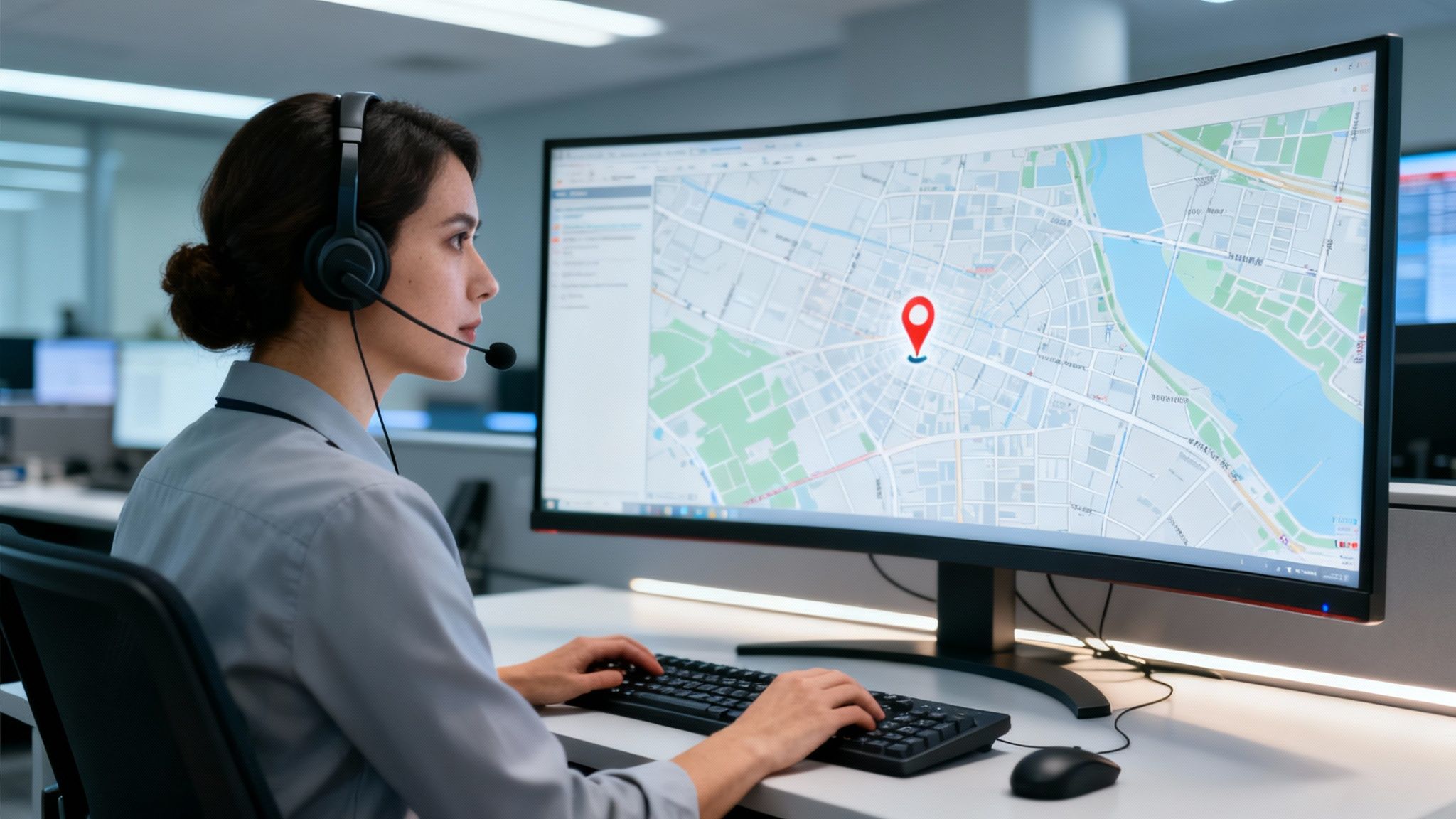
Think of it like a symphony orchestra. Each instrument—each feature—has its own part to play. But it’s the way they all perform in harmony that creates something powerful. The best CAD systems are built around this very idea of seamless integration.
The global CAD market is a testament to this, valued at USD 2.26 billion in 2024 and on track to hit USD 4.31 billion by 2030. That growth isn't just about software; it's about the ever-increasing demand for smarter mapping and resource tracking that agencies are investing in.
GIS Mapping: The Tactical Command Center
At the heart of any modern CAD is its Geographic Information System (GIS) mapping. This isn't just some digital map you'd find on your phone. It's a live, breathing tactical display of your entire jurisdiction.
This gives dispatchers a crucial bird's-eye view, layering key data points over a map in real time. When a call comes in, the location is instantly pinned. The dispatcher can then see things like nearby hydrants for a fire call, active school zones, or known hazards tied to a specific address.
If there's one piece of actionable advice for agencies, it's this: keep your GIS data meticulously updated. Accurate maps let dispatchers find the fastest, safest routes for responders, steering them around road closures or traffic jams. This simple discipline directly shaves off response time and improves officer safety without a single extra software purchase.
Automated Vehicle Location for Smarter Dispatch
Working hand-in-glove with GIS mapping is Automated Vehicle Location (AVL). Using GPS trackers, AVL puts the real-time position, status, and direction of every response vehicle right on the dispatcher's map.
AVL is what makes intelligent dispatching possible. Instead of a dispatcher having to ask over the radio who’s closest, the CAD system automatically finds and suggests the best unit for the job.
- Here's how it plays out: A cardiac arrest call comes in. The system instantly sees an ambulance just two blocks away, not the one heading back to the station five miles out. That simple function can cut critical minutes from the response, which can mean everything for patient outcomes.
- And the budget impact? By always sending the closest unit, AVL slashes fuel consumption and vehicle wear-and-tear. For an agency juggling thousands of calls a year, these small efficiencies add up to huge, measurable savings in fleet maintenance and fuel costs.
To help agencies navigate the procurement process, we've put together a checklist of must-have features. Think of this as a guide to ensure you're investing in a system that truly meets the demands of modern public safety.
Essential CAD System Features Checklist
| Feature Category | Specific Feature | Why It's Critical for Operations |
|---|---|---|
| Mapping & Location | Real-Time GIS Mapping | Provides a live, tactical overview of the jurisdiction and incident location. |
| Automated Vehicle Location (AVL) | Instantly identifies the closest, most appropriate unit for a call, slashing response times. | |
| Geofencing & Location-Based Alerts | Creates virtual boundaries to trigger alerts when units enter or exit specific areas. | |
| Dispatch & Operations | Automated Unit Recommendation | Uses algorithms to suggest the best unit based on proximity, availability, and skill set. |
| Incident & Unit Status Timers | Tracks key milestones (en route, on scene, clear) to ensure accountability and monitor response goals. | |
| Pre-Planned Response Protocols | Allows for pre-configured dispatch plans for specific incident types (e.g., structure fire, mass casualty). | |
| Data & Integration | Mobile Data Terminal (MDT) Integration | Pushes critical call data directly to in-vehicle computers, reducing radio traffic. |
| Records Management System (RMS) Integration | Ensures a seamless flow of data from dispatch to final incident reporting, eliminating double-entry. | |
| Real-Time Analytics & Reporting Dashboards | Provides supervisors with live insights into call volumes, response times, and unit availability. | |
| Communications | Integrated Messaging & Chat | Enables silent, secure text-based communication between dispatchers and field units. |
| Emergency Alerting & Notification Capabilities | Allows for mass notifications to personnel for all-calls or major incidents. |
This table isn't exhaustive, but it covers the core functionalities that separate a basic dispatch tool from a comprehensive command-and-control platform. A system built on these features empowers an agency to be more efficient, safer, and ultimately more effective.
Mobile Integration and Field Connectivity
A top-tier CAD system doesn't stop at the dispatch center's walls. It extends right into the field through Mobile Data Terminals (MDTs) or tablet apps in patrol cars and fire trucks. This connection is vital for keeping everyone on the same page.
Responders in the field can see call notes as they're updated, change their own status (like en route or on scene), pull up premise history, and chat silently with dispatch. This cuts down on radio chatter and makes sure no critical detail gets lost in the noise. For a deeper look at the kinds of tools that empower modern teams, you can explore a full list of first responder management capabilities that build on this foundation.
On top of that, many computer assisted dispatch systems now include or connect with advanced fleet management system features to monitor vehicle health and driver habits, which adds another layer of safety and helps control long-term costs. This level of connectivity gives responders the information they need to act with confidence the moment they arrive.
The Tangible Benefits of Upgrading Your Dispatch
It’s easy to get lost in the technical specs, but let's talk about what a powerful computer assisted dispatch system actually does for your agency's performance—and your budget. A modern CAD platform isn't just another line item expense. It's a fundamental investment that pays real dividends, translating smart features into measurable results that matter far beyond the comms center.
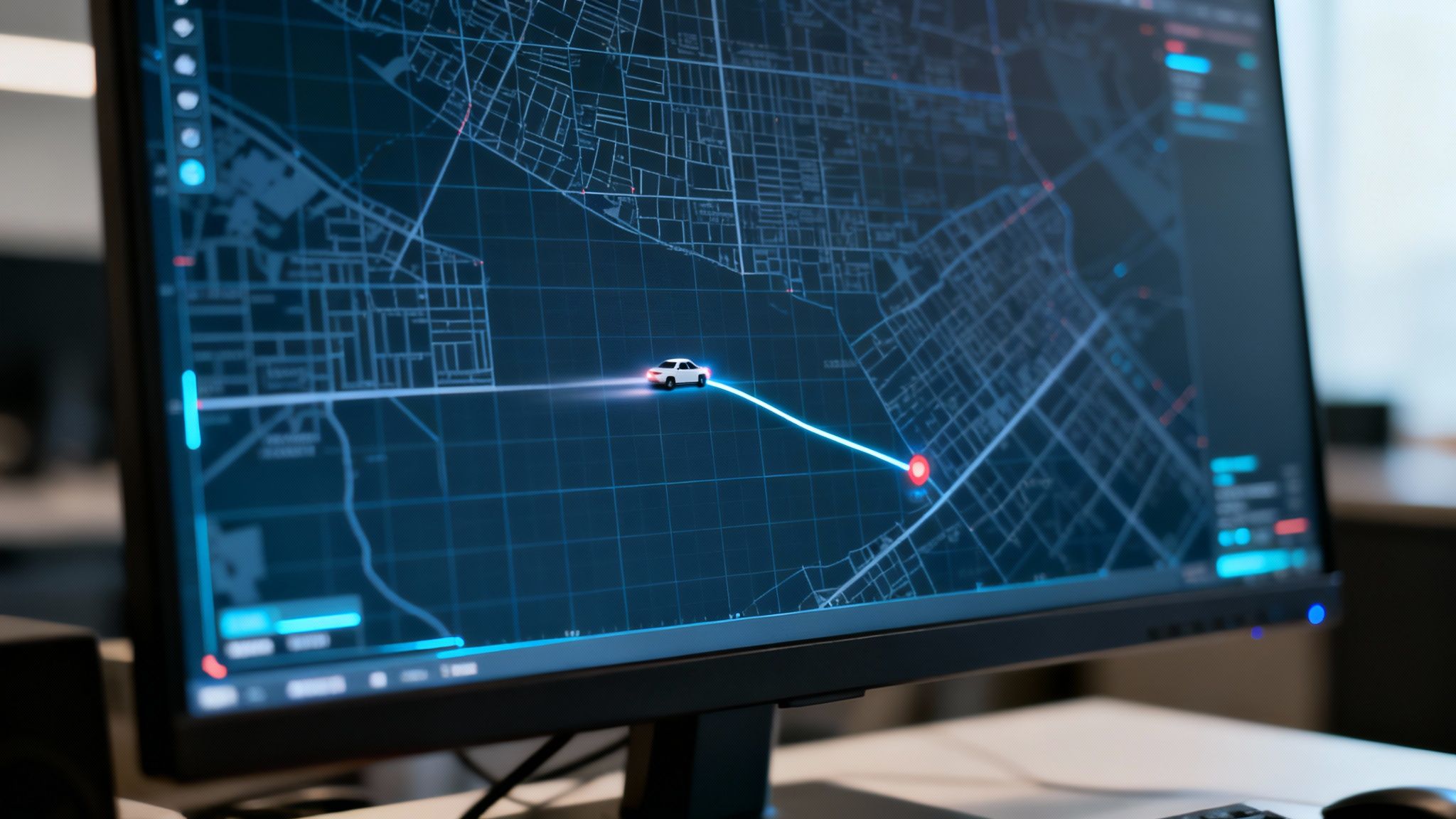
This isn't some new, unproven idea. The concept has been refined for decades. CAD’s roots go all the way back to the 1960s, when an early system deployed by the NYPD in 1967 cut response times by a massive 20-30% in high-crime areas just by digitizing radio traffic. Fast forward to today, and you'll find North American agencies—which hold 24.3% of the market share—transitioning to NG911. Pilot programs integrating CAD with real-time video and drone feeds are already cutting incident resolution times by 25%.
Slashing Costs Through Smarter Operations
One of the first places you'll feel the financial impact is in your day-to-day operations. When a CAD system has integrated AVL and GIS mapping, it automatically suggests the closest, most appropriate unit for any call.
That one simple function creates a powerful ripple effect across your budget. Instead of a unit driving clear across town, the nearest vehicle gets the call. That immediately cuts down on fuel consumption and mileage.
Actionable Insight: By consistently sending the closest unit, an agency can realistically reduce its annual fuel bill by 5-10%. On top of that, you're looking at lower vehicle maintenance costs from less wear and tear. For a fleet of just 20 vehicles, this can easily add up to tens of thousands of dollars saved each year—money that can be put back into training or equipment.
Improving Outcomes by Saving Seconds
In our world, time is the only currency that truly matters. Shaving even 30 seconds off a response can completely change the outcome of an incident, and a modern CAD is built from the ground up to claw back those precious moments.
- For EMS: We all know that in a cardiac arrest, every minute without help drastically lowers the chance of survival. Automated dispatching gets the closest paramedic unit rolling, directly improving patient outcomes.
- For Fire Departments: A smart CAD system can mean the difference between containing a fire and watching it escalate. It can feed responders pre-incident plans, hydrant locations, and premise history (like known hazmat) so crews arrive ready to act, not just react.
This isn't about driving faster; it's about making smarter, data-driven decisions before the engine even turns over.
Enhancing Responder Safety with Real-Time Data
A dispatcher's job is to coordinate the response, but just as important is protecting the people heading into the unknown. A modern CAD system is a critical safety net.
When a call comes in from an address with a history, the system can automatically flag it with caution notes for officers. That history could include prior violent incidents, known weapons, or occupants with severe mental health issues.
This intel gets pushed right to the officer's in-vehicle terminal before they even arrive on scene. It transforms a potentially dangerous blind entry into a calculated, tactical approach. You can't put a price on that kind of situational awareness, and it directly reduces injuries in the field.
Justifying Budgets with Hard Data
Beyond the immediate operational wins, a robust CAD system becomes one of your most powerful administrative tools. It logs everything—every timestamp, every unit status change, every action taken. This creates an incredibly rich dataset of your agency's performance.
This data isn't just for after-action reports anymore. For public safety organizations, being able to analyze operations to improve service is a huge benefit, as seen in success stories like how EMS leverages data solutions.
You can pull reports that clearly show:
- Peak call times and geographical hotspots, giving you the ammo to justify staffing levels and patrol zone tweaks.
- Average response times by incident type, providing concrete metrics for grant applications or budget requests.
- Unit utilization rates, helping you make informed decisions about fleet size and where to allocate resources.
This data-driven approach replaces "we think" with "we know." It gives you the power to build a bulletproof case for your agency's needs and prove a clear return on your investment.
Making Your Tech Stack Work Together
A standalone computer assisted dispatch system is like an engine without a transmission—it's got a ton of power, but it can't actually move anything forward. The real magic happens when it communicates flawlessly with the other essential software your agency leans on every single day. This connection, what we call interoperability, is what turns a simple logging tool into a true operational command center.
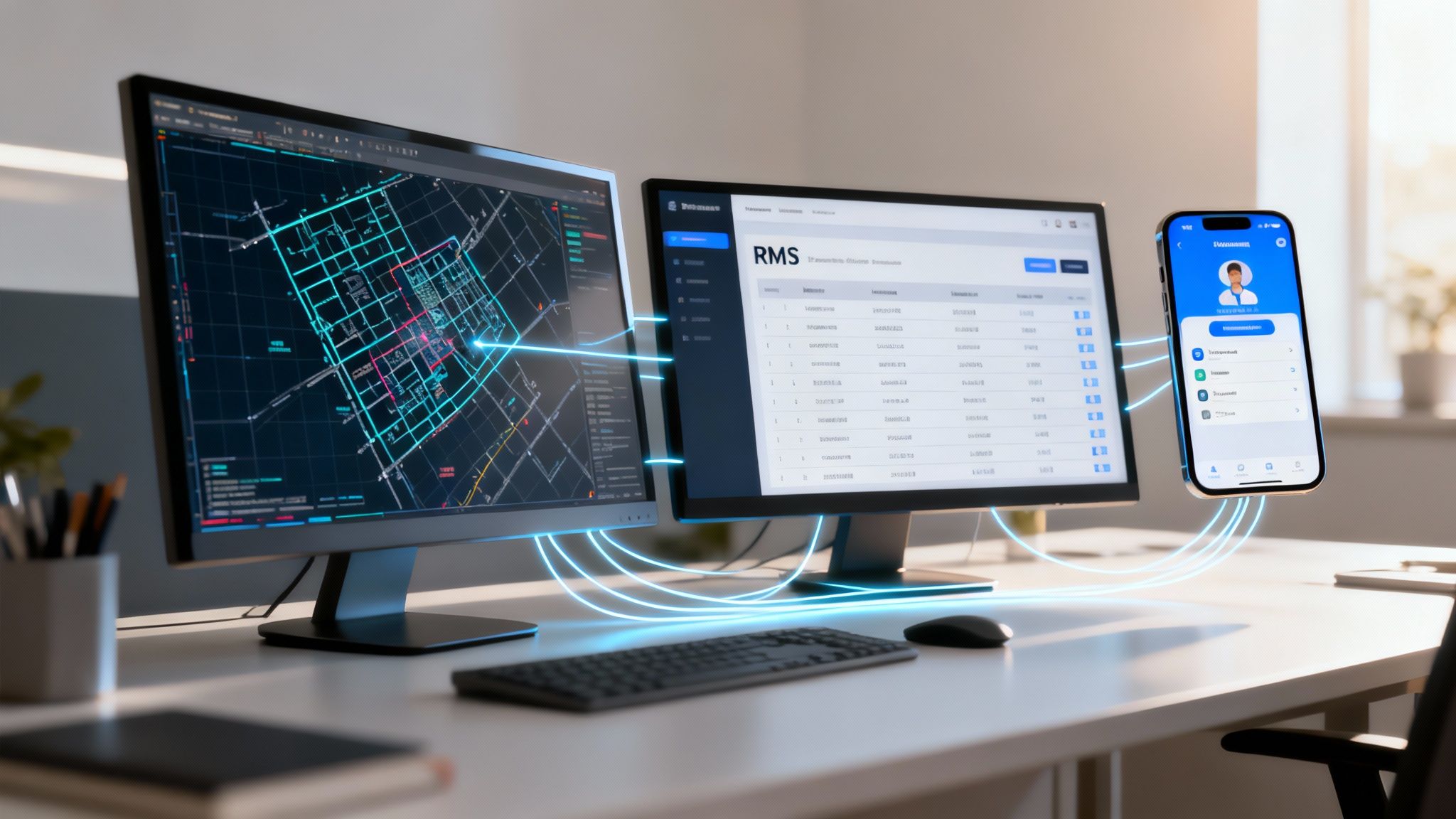
The goal here is to build a seamless ecosystem where information flows freely between every platform you use. When your CAD, Records Management System (RMS), and mobile apps are all speaking the same language, you cut out the dangerous risks and maddening inefficiencies that come from manual, redundant data entry.
The Critical Link to Your Records Management System
The most vital connection for any CAD is with its Records Management System (or RMS). I like to think of the relationship this way: your CAD is built to manage the live, fast-paced chaos of an active incident. The RMS, on the other hand, is the permanent, official archive where all that data gets stored for legal needs, reporting, and future analysis.
When these two systems aren't talking to each other, a dispatcher or officer has to manually copy every single detail from the CAD incident into the RMS after a call is over. This isn't just a time-waster; it’s a recipe for disaster.
- Practical Example: Picture a domestic violence call. A dispatcher correctly enters the address and suspect info into the CAD. Later, at the end of a long shift, a tired officer mistypes a single digit in the address when creating the report in the RMS. That tiny error could make it nearly impossible to find the record for court down the road or to establish a history of calls at that location.
An integrated system, however, automatically pushes all call data from the CAD to the RMS with a single click, creating a new report shell instantly. This eliminates hours of duplicate data entry each week and, more importantly, keeps your official records rock-solid. The money saved on just the administrative overhead is huge, letting you put personnel back on more critical tasks.
Extending Command into the Field
A modern CAD system has to do more than just sit in the dispatch center; it needs to extend its reach directly into the hands of responders in the field. This is usually done through integration with mobile data terminals (MDTs) or specialized apps on tablets and smartphones. This connection provides a quiet, direct line of communication between dispatch and field units, which cuts down on radio chatter and keeps sensitive information off the open airwaves.
These tools also put critical information right at responders' fingertips when they need it most. You can find a whole range of first responder mobile apps that give you capabilities like personnel tracking, mapping, and secure messaging—all designed to work in lockstep with a central dispatch platform.
Cost-Effective Integration for Mixed Departments
A lot of public safety agencies, especially in the fire service, run with a mix of career and volunteer staff. This can easily create a communication silo, where the main CAD system serves the full-time staff but leaves volunteers disconnected. Paying for expensive proprietary add-on licenses for every single volunteer just isn't in the budget for most departments.
This is where flexible, third-party solutions can be a massive cost-saver. Platforms like Resgrid are specifically designed to integrate with existing computer assisted dispatch systems. This allows an agency to manage its volunteer or part-time personnel without having to buy a pile of costly licenses from their primary CAD vendor.
- Money-Saving Example: A combination fire department uses a high-end CAD for its career staff. Instead of shelling out thousands for extra mobile licenses for their 50 volunteers, they integrate Resgrid for a fraction of the cost. Now, volunteers get dispatch notifications, can set their availability, and communicate through the app. The whole department's communication and response coordination is unified, all without breaking the bank. It's an approach that makes professional-grade tools accessible to everyone.
Choosing the Right CAD Without Breaking the Budget
Picking a new computer assisted dispatch system feels like a monumental task, especially when you're staring down a tight budget. It's easy to get sticker shock. But the trick is to look past the initial price tag and think about the Total Cost of Ownership (TCO). This includes the long-haul expenses like training your team, ongoing maintenance, and the inevitable upgrades you'll need down the road.
If you play your cards right, you can land a powerful system that gives you a solid return without bleeding your agency dry.
The whole process kicks off with an honest look at what your agency actually needs. Where are the real pain points in your day-to-day operations? Are you dealing with agonizingly slow dispatch times? Is communication with units in the field a constant struggle? Drowning in manual reports? Nail down these answers first, and you'll be able to write an effective Request for Proposal (RFP) that gets the right vendors to the table.
Defining Your Must-Have Features
Before you even sit through a single demo, make a list. Seriously. Split your requirements into two buckets: "must-haves" and "nice-to-haves."
- Must-Haves: These are your non-negotiables. The things your agency can't live without, like a smooth integration with your Records Management System (RMS), real-time AVL tracking for your fleet, and solid mobile data terminal access.
- Nice-to-Haves: This is the cool stuff that would be great but isn't critical. Think advanced analytics dashboards or predictive deployment tools.
This simple list is your north star. It keeps you grounded during vendor demos so you don't get distracted by shiny features that don't solve your core problems. It also gives you a clear way to score each proposal you get.
The market is definitely changing, with a big shift towards more flexible systems. Cloud-based CAD is becoming the norm in places like Indonesia and the Philippines, where agencies are cutting costs by up to 40% and getting better scalability for disaster response. It just goes to show how far we've come from the basic call logging of the 1970s to the sophisticated command hubs used by over 80% of major cities today. You can read more about the CAD market evolution and its global impact.
On-Premise vs. Cloud-Based CAD Systems Comparison
Choosing between a traditional on-premise setup and a modern cloud-based solution is one of the biggest decisions you'll make. Each has its pros and cons, and the right choice really depends on your agency's budget, IT resources, and long-term goals.
Here's a quick breakdown to help you see how they stack up:
| Consideration | On-Premise CAD | Cloud-Based (SaaS) CAD |
|---|---|---|
| Initial Cost | High upfront investment for hardware, software licenses, and infrastructure. | Lower upfront cost, typically a predictable monthly or annual subscription fee. |
| Scalability | Scaling requires purchasing and installing new hardware, which can be slow. | Easily scalable. You can add or remove users and features on demand. |
| Maintenance | Your internal IT team is responsible for all maintenance, updates, and security. | The vendor handles all maintenance, security, and software updates automatically. |
| Accessibility | Typically accessible only from within the agency's private network. | Accessible from anywhere with an internet connection, ideal for remote/mobile work. |
| Data Control | Your agency has complete physical control over its data and servers. | Data is stored on the vendor's servers, requiring trust in their security protocols. |
| Implementation | Can be a lengthy process involving hardware setup and complex installation. | Faster and simpler deployment, as no on-site hardware is needed. |
Ultimately, while on-premise systems offer a sense of total control, the financial flexibility and hands-off maintenance of cloud-based CAD are making it the go-to choice for more and more agencies looking to modernize without a massive capital expense.
Calculating True Return on Investment
To get the green light for a big purchase, you need to show a clear Return on Investment (ROI) that's about more than just shaving seconds off response times. You have to speak the language of the people holding the purse strings: money.
Actionable Insight: Do the math on your current operational costs. Let's say better routing could cut your fleet's fuel consumption by 8%. What if you could also trim just two hours of overtime per employee each month by automating reports? Suddenly, you've got a tangible, multi-year savings projection that builds a rock-solid business case for the new system.
Think about ROI from these three angles:
- Reduced Operational Costs: Tally up the potential savings. This includes less money spent on fuel, lower vehicle maintenance costs, and fewer administrative hours spent on manual reporting.
- Increased Efficiency: Put a dollar value on time saved. How many hours will your team get back by cutting out redundant data entry? What's that time worth to your agency?
- Improved Outcomes: This one is tougher to put a price on, but it's critical. Better responder safety and improved patient outcomes mean reduced liability and lower long-term costs for the community.
When you present a complete financial picture, the purchase stops looking like an expense and starts looking like a strategic investment. For agencies wanting to get the most bang for their buck, it's worth seeing what's out there; you can check out different dispatch software pricing models to see how modern solutions are built to fit almost any budget.
Getting a new computer-assisted dispatch system up and running is a massive undertaking. I've seen it go smoothly, and I've seen it go sideways. Success has a lot less to do with the specific technology and a whole lot more to do with the strategy behind the rollout. You have to plan for the tough spots, like wrestling with decades of old data and getting your team to actually want the change.
A solid, battle-tested plan is the only way to get this done on time, on budget, and making a real difference from day one.
The first big monster you’ll face is almost always data migration. Many agencies are finally ditching systems that were ancient when flip phones were cool, and those old databases are a mess. They're often packed with inconsistent records and weird formatting. Just trying to dump that junk into a shiny new system is a recipe for failure. It creates errors and, worse, destroys trust in the new platform before it even has a chance.
The smart move is a phased migration. Before you even think about flipping the switch, you need to get your hands dirty cleaning and standardizing your historical data. It's a pain, I know, but this is non-negotiable. It ensures all that critical information—premise history, caution notes, you name it—is accurate and ready when your people need it most.
Winning Over the Team and Getting Them On Board
Look, you can have the best technology on the planet, but it's a paperweight if your people won't use it. The biggest reason I see implementations stumble is resistance from staff. Your dispatchers and field crews have spent years, sometimes their entire careers, mastering the quirks of the old system. A new one doesn't feel like an upgrade; it feels like a threat.
The only way through this is with genuinely good training. And I don't mean a single, half-day, check-the-box session.
- Hands-On Workshops: Build training scenarios that feel real. I'm talking about high-stress, fast-paced mock emergencies. Let your people get their reps in a safe environment until the new clicks and keystrokes are pure muscle memory.
- Find Your Champions: In every group, there are a few tech-savvy people who just get it. Anoint them as your "super users." They become the go-to mentors on the floor, offering a helping hand to colleagues who are struggling. It's way less intimidating than calling a helpdesk.
- Don't Forget the "Why": This is huge. You have to constantly communicate how this new CAD system makes their jobs easier, safer, and better. When people truly understand the benefit to them, they'll get on board.
Here's a critical money-saving tip I've learned the hard way: negotiate comprehensive training right into your vendor contract. Having to bring a vendor's trainer back for more sessions after the fact is brutally expensive. Get multi-phase training and "train-the-trainer" programs baked into the initial deal. You’ll secure that ongoing support without blowing your budget, ensuring your team stays confident and capable long after the go-live date.
The Soft Go-Live Strategy
Trying to switch your entire operation over to a new CAD system in one night is a gamble you don't need to take. A phased launch, or what we often call a "soft go-live," is a much safer bet.
Start by running the new system in parallel with the old one for a limited time. This gives your team a safety net to work out the kinks without putting live operations at risk.
Once that feels solid, roll out the system to a single shift or maybe one specific division. This smaller group acts as your final test bed, catching any last-minute issues before you go agency-wide. It's a methodical approach that minimizes chaos, builds confidence, and sets everyone up for a stable, successful transition. And you absolutely need a dedicated project team to keep this whole process on the rails.
Frequently Asked Questions About CAD Systems
Even after getting the big picture, agency leaders usually have some pointed questions when they start looking at a new computer assisted dispatch system. Let's tackle some of the most common ones head-on to help you cut through the noise.
How Much Does a CAD System Typically Cost?
This is the big one, and the honest answer is: it varies wildly. A small volunteer squad using a cloud-based system might spend a few thousand dollars a year. A large, multi-jurisdictional agency with a custom on-premise installation? That can run into the millions.
The final price tag really boils down to the number of users you need, what other software it has to talk to, and the level of ongoing support you require.
Here's a critical piece of advice: look at the Total Cost of Ownership (TCO), not just the upfront quote. A cheap system that nickels and dimes you for every training session or requires constant, expensive maintenance can become a financial nightmare. Always factor in those long-term operational costs before you sign anything.
What Is the Difference Between CAD and RMS?
It's easy to get these two mixed up, but they have very different jobs.
Think of your CAD system as the live command center. It’s what you use in the heat of the moment—taking the call, dispatching units, and tracking everything as it happens. It's built for speed and immediate action.
Your Records Management System (RMS), on the other hand, is the official archive. After the incident is over, all that data from the CAD flows into the RMS. It’s the permanent, digital file cabinet used for reports, investigations, and legal records. Making sure these two systems integrate seamlessly is absolutely vital.
Are Modern CAD Systems Affordable for Smaller Agencies?
Yes, absolutely. The game has completely changed with the rise of cloud-based, Software-as-a-Service (SaaS) computer assisted dispatch systems. This has put professional-grade tools within reach for everyone, including small and volunteer departments.
Instead of a massive upfront investment in servers and hardware, these systems work on an affordable monthly or annual subscription.
- Real-World Example: A volunteer fire department can get up and running with a SaaS CAD for a low monthly fee. They get top-tier dispatching, mapping, and mobile apps without needing a six-figure capital budget. That's money that can go back into buying essential gear or funding training.
This model lets smaller departments punch well above their weight, giving them the same powerful capabilities as large, well-funded agencies and the flexibility to scale up as they grow.
At Resgrid, we're firm believers that powerful tools for dispatch and management should be in the hands of every first responder agency, no matter the size or budget. Our platform ties everything together—dispatch, messaging, and personnel tracking—all through a transparent, self-service model. Discover how Resgrid can modernize your operations today.