
Equipment Inventory Software: Boost Readiness with equipment inventory software
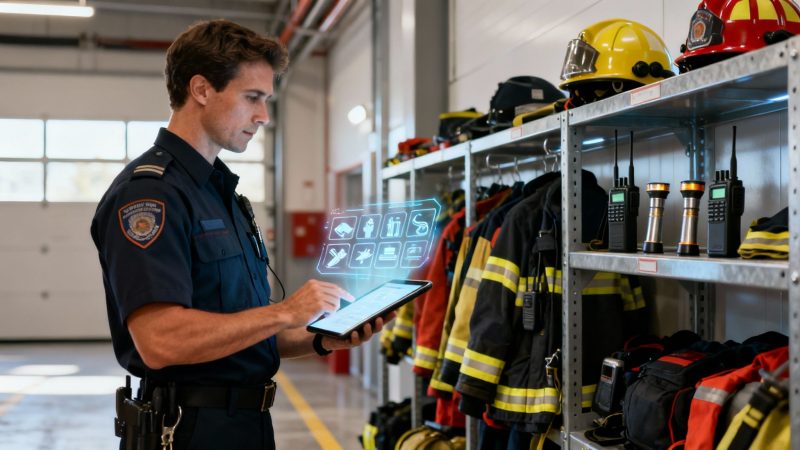
In a critical incident, the line between a good outcome and a tragedy can come down to a single piece of equipment. Think of equipment inventory software as the digital quartermaster for your agency, ensuring every asset—from a defibrillator in an ambulance to a multi-gas meter on a fire engine—is accounted for, ready to go, and in the right hands when seconds count. It’s what turns the chaos of manual tracking into a reliable, real-time system of accountability.
The High Stakes of Equipment Readiness in Public safety
Picture a paramedic grabbing a defibrillator, only to find the battery is dead. Or a firefighter gearing up and discovering a crucial SCBA tank was never refilled after the last call. These aren't just inventory mistakes; they are life-threatening failures. For any public safety agency, managing equipment isn't just an administrative chore—it's a core part of being operationally ready.
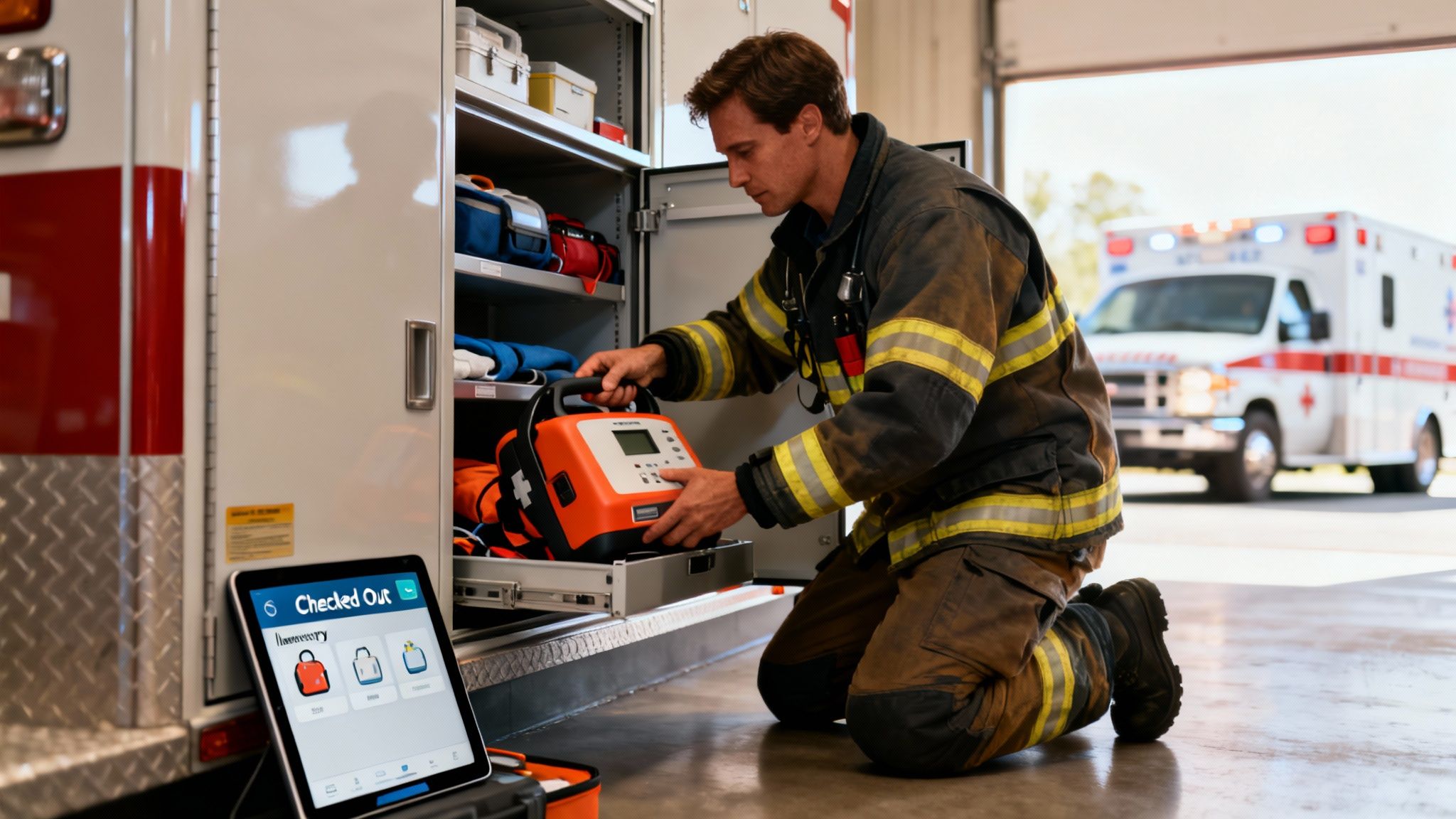
Clunky spreadsheets and paper logs just don't cut it anymore. They are relics that create dangerous gaps in readiness and can't provide the instant visibility you need when things go sideways. This is where modern equipment inventory software steps in, giving you a single source of truth for every asset your agency owns.
Moving from Reactive to Proactive Management
The real game-changer here is the shift from a reactive to a proactive mindset. Instead of discovering a faulty thermal imager during a structure fire, the system flags it for maintenance weeks in advance. This proactive stance is absolutely essential for maintaining a constant state of readiness and is a key reason this kind of software is seeing such wide adoption.
An effective inventory system is your agency’s promise to its community: that every first responder has exactly what they need, fully functional, at the moment they need it most. It’s a guarantee of readiness, backed by data.
This strategic shift directly solves the biggest headaches in asset management: accountability and preparedness. It gives you instant answers to the questions that matter most:
- Where is every asset right now? Track equipment as it moves between vehicles, stations, and scenes.
- Is this equipment ready for deployment? Monitor maintenance schedules, inspection dates, and battery life automatically.
- Who is responsible for this tool? Assign ownership to individuals or units, leaving no room for ambiguity.
Justifying Budgets and Saving Money
Beyond the obvious operational benefits, this software hands you the hard data needed to justify your budget and prove you’re being fiscally responsible. When you can show exactly how many times a piece of gear was used, what its maintenance has cost, and its current condition, you build an undeniable case for repair or replacement. For example, you can run a report showing a specific set of extrication tools was used 50 times in the last year, justifying the budget for a newer, more powerful model. This data stops budget conversations from being about opinion and makes them about facts.
This data-driven approach is quickly becoming the standard. The equipment management software market is projected to surge to USD 15.06 billion by 2029, a trend fueled by the need for real-time tracking, predictive maintenance, and compliance. You can read the full research on equipment management software market growth to see where the industry is headed.
This guide is designed to give public safety leaders actionable strategies to improve efficiency, justify budgets, and—most importantly—ensure the safety of their teams and the communities they serve.
Essential Features That Drive Operational Success
Good equipment inventory software is so much more than a digital spreadsheet; it's an operational command center. The right features are what turn a static list of gear into a dynamic system that guarantees readiness, boosts accountability, and ultimately saves a ton of money. These are the tools that build a resilient and efficient public safety agency.
Let's break down the core functions that make this happen, not as abstract ideas, but through the eyes of the first responders who rely on them every single day.
Real-Time Asset Tracking
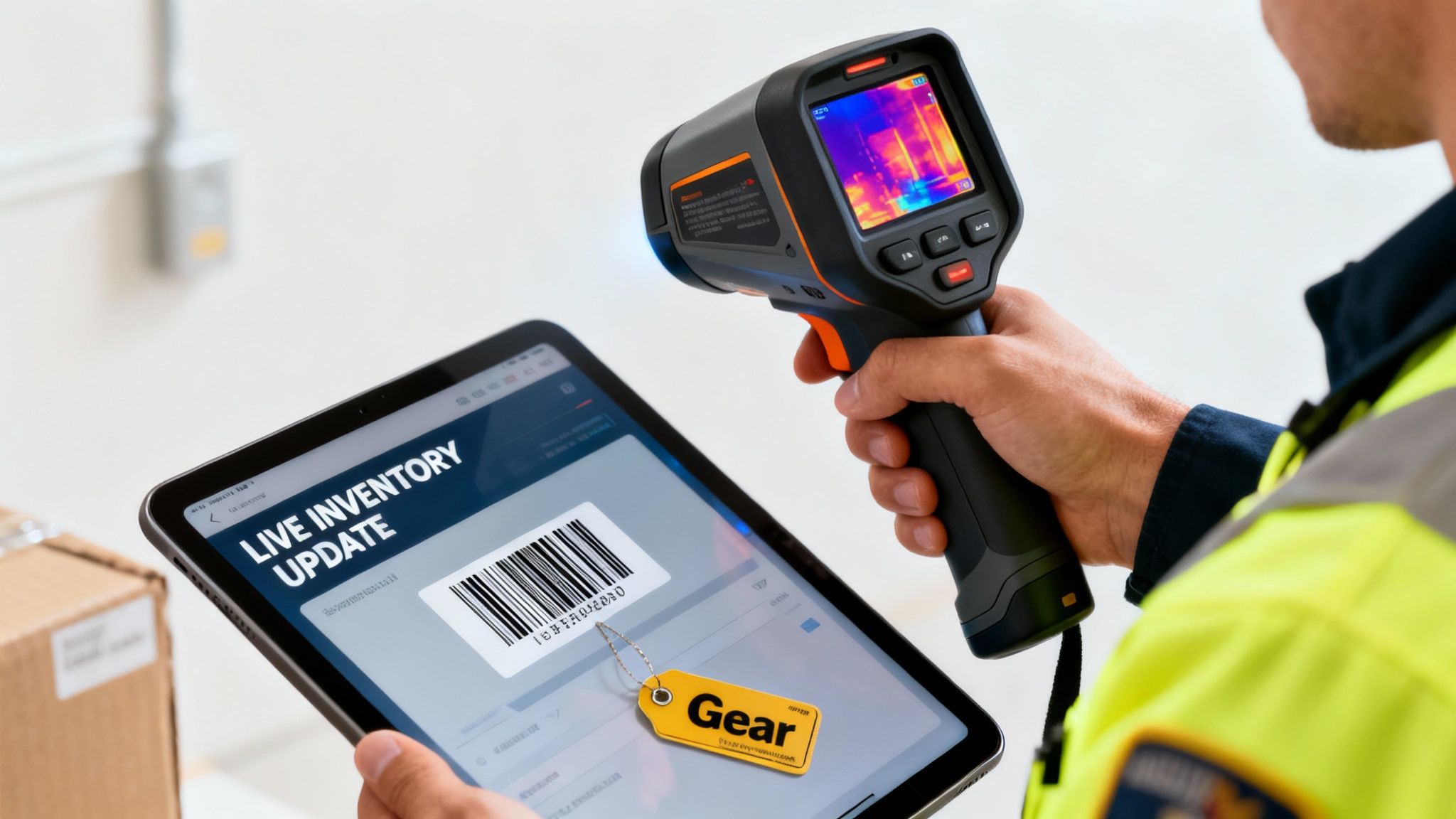
Imagine a fire rips through a large commercial building. Your battalion chief needs a thermal imaging camera—a high-value, critical piece of equipment—and they need it now. With real-time asset tracking, there's no frantic radio traffic or guessing which engine might have it. The system shows the camera was checked out to Engine 4 and is already on-scene, ready for immediate redeployment.
This feature gives you a live, bird's-eye view of your most critical assets. As soon as that camera returns to the station, its status updates automatically. Actionable insight: Use this feature to prevent "equipment hoarding" at certain stations. If one station has three thermal cameras and another has none, you can reallocate assets based on real data, saving the cost of buying a new one.
Automated Check-In and Check-Out
A SWAT team gets a call-out and needs to deploy in minutes. Officers have to grab their assigned rifles, body armor, and comms gear and get out the door. Fumbling with manual sign-out sheets under that kind of pressure is slow, sloppy, and just asking for mistakes.
With an automated system, each officer simply scans their ID and the barcode on their equipment. The whole process takes seconds, creating an indisputable digital record of who has what and when they took it. The speed is a game-changer, but the real value is in the data.
By tracking asset assignments with precision, you eliminate ambiguity and reduce equipment "walking off" by creating a clear chain of custody. This accountability alone can prevent losses that far exceed the software's cost.
This level of automation also slashes the administrative busywork tied to manual logs, freeing up your people for duties that actually matter.
Predictive Maintenance Scheduling
An ambulance suddenly goes out of service. It's a preventable mechanical failure, and now you have a coverage gap and a bill for expensive emergency repairs. It’s a common, costly headache that proactive maintenance completely solves.
Good inventory software doesn't just track where an asset is; it tracks its health. You can program the system to automatically flag that ambulance for routine service based on mileage, engine hours, or a set calendar date. It sends an alert directly to the fleet manager, ensuring the vehicle gets serviced before it breaks down.
This predictive approach delivers a massive ROI by:
- Preventing catastrophic failures: A scheduled oil change is always cheaper than a new engine.
- Reducing vehicle downtime: Planned maintenance is quick and keeps assets in service.
- Extending asset lifespan: Properly maintained equipment simply lasts longer, pushing back costly replacements.
Barcode and RFID Scanning
Think about conducting an annual audit of a fire engine or a patrol car. Historically, that's an all-day job for two people, manually cross-referencing serial numbers on a clipboard. It’s not just slow; it’s a process ripe for human error.
Now, picture this instead: one officer walks around the vehicle with a handheld scanner. With barcode or RFID tags on every piece of equipment—from fire extinguishers and medkits to laptops—they complete the entire audit in 15 minutes. The software instantly flags anything that's missing or expired.
Actionable insight: Automate your narcotics box checks. By placing RFID tags on controlled substances, a medic can simply wave a scanner over the sealed box to instantly verify its contents without breaking the seal. This saves time on every shift and creates a perfect digital audit trail for compliance, saving thousands in potential fines and administrative overhead.
Connecting Software Features to Agency Benefits
| Feature | What It Does | Practical Example | Key Benefit |
|---|---|---|---|
| Real-Time Asset Tracking | Provides a live, map-based view of where every critical asset is located. | A battalion chief instantly locates a thermal camera at a fire scene on another engine. | Improved Response. Eliminates guesswork and speeds up resource deployment. |
| Automated Check-In/Out | Uses scanners to create a digital record of who has what equipment and when. | A SWAT officer scans their ID and rifle barcode, logging the assignment in seconds. | Increased Accountability. Reduces equipment loss and creates a clear audit trail. |
| Predictive Maintenance | Schedules service alerts based on usage data like mileage or operational hours. | An ambulance is automatically flagged for an oil change after 3,000 miles. | Reduced Downtime. Prevents catastrophic failures and extends asset lifespan. |
| Barcode & RFID Scanning | Enables rapid, error-free inventory audits with a handheld scanner. | A full inventory audit on a patrol car is completed in 15 minutes instead of hours. | Major Time Savings. Frees up personnel from tedious manual tasks for core duties. |
Ultimately, these aren't just bells and whistles. Each feature is an engine for modern asset management, turning your inventory data from a simple list into a powerful strategic advantage.
How to Select the Right Software for Your Agency
Picking the right equipment inventory software is a high-stakes decision. Let's be honest, it has to be. This system is going to become the operational backbone for your agency’s most critical, life-saving assets. If you take a methodical approach, you'll end up with a tool that solves problems, not one that creates new headaches.
First things first: pull together a selection committee. You need people from every part of the operation. That means a battalion chief, a fleet manager, a field paramedic, and yes, even that tech-savvy firefighter who’s always messing with the tablets. Getting this mix of perspectives is crucial—it guarantees the final choice works for the folks in the office and the ones climbing on the truck.
Once your team is in place, the real work begins. Your number one job is to pinpoint your biggest inventory pain points. Don't just make a list of cool features you think you need. Dig into the real-world problems that are costing you time, money, and sanity right now.
Defining Your Non-Negotiable Requirements
Before you even think about watching a single demo, you need to create your list of absolute must-haves. This isn’t a wish list; this is the set of deal-breakers that will instantly knock a piece of software out of the running.
Your list will be unique, but it should probably include:
- Scalability: Will this system grow with you? If you’re planning to add a new station or ten more vehicles in the next five years, the software better be able to keep up without a complete, painful overhaul.
- Ease of Use: Can a brand-new volunteer or a probie figure out the check-out process in a single shift? A clunky, complicated interface will just lead to poor adoption, and your big investment will end up collecting digital dust.
- Critical Integrations: This is a big one. The software has to talk to your existing Computer-Aided Dispatch (CAD) and Records Management System (RMS). Without that seamless connection, you're just building another data silo that someone has to manage.
As you evaluate different options, having a solid grasp of the principles of Asset Lifecycle Management (ALM) will be a huge help. It shifts your thinking from just tracking what you have to managing the entire journey of your equipment.
Comparing SaaS vs On-Premise Solutions
A major fork in the road is deciding how the software will be hosted. This choice has pretty significant financial and operational ripple effects for any public safety agency.
| Model | How It Works | Best For | Key Financial Consideration |
|---|---|---|---|
| SaaS (Cloud) | You pay a recurring subscription fee for software hosted by the vendor. | Agencies wanting lower upfront costs and automatic updates. | Predictable operational expense (OpEx). |
| On-Premise | You buy the software license outright and host it on your own servers. | Agencies with dedicated IT staff and strict data control requirements. | Large capital expense (CapEx) plus ongoing maintenance costs. |
These days, most agencies lean toward Software-as-a-Service (SaaS) models for their flexibility and much lower initial investment. Actionable insight: Ask vendors about grant assistance programs. Many SaaS providers who serve public safety are familiar with federal and state grants and can provide documentation or data to support your application, potentially covering a significant portion of the subscription cost.
Building a Business Case Focused on ROI
To get that all-important budget approval, you have to prove this software isn't just another line-item cost—it's an investment that pays for itself. You need to frame your business case around clear, measurable financial wins.
Don't just walk in asking for money for "new software." Instead, present a plan that shows how a $5,000 annual subscription prevents the loss of a single $8,000 thermal imaging camera, delivering an immediate and obvious positive ROI.
Think about the cost of lost staff hours spent doing tedious, manual audits. If your team spends 200 hours a year just counting things, and a new system can cut that time by 90%, you’ve just clawed back 180 hours. That’s time that can be poured back into training, maintenance, or community engagement. This is the kind of powerful, data-backed argument that gets the attention of city councils and funding committees.
A Practical Implementation and Rollout Checklist
Picking the right equipment inventory software is a huge first step, but the real test is getting it up and running smoothly. A successful launch isn't just about flipping a switch; it's a carefully planned process that needs to bring your entire team along for the journey. This checklist breaks down that transition into clear, manageable phases to make sure the new technology is actually embraced, not just tolerated.
A structured approach, like the one below, is key. It helps you organize the whole journey, from figuring out what you need all the way to going live.
As you can see, a good rollout starts long before you even install the software. It all begins with a hard look at what your agency truly needs.
Phase 1: Data Migration
This is where the rubber meets the road. You're turning those messy spreadsheets and paper logs into clean, structured data that the new system can actually use. This is the foundation of everything that comes next, so getting it right is non-negotiable.
Don't try to boil the ocean and migrate everything at once. Pick a single category to start with—maybe your high-value portable radios—and perfect that process before you move on to medical supplies or vehicle equipment.
Actionable insight: Use data migration as an opportunity to standardize your naming conventions. For example, decide if it's a "thermal imager," "TIC," or "thermal camera" and stick to it. A consistent naming scheme makes searching for assets and running reports infinitely easier and more accurate.
Phase 2: System Configuration
Once your data is clean, it's time to mold the software to fit your agency's unique workflow. This is where you set up user permissions—making sure a paramedic can check out gear but can't change critical system settings—and configure automated alerts for things like equipment maintenance or expiring certifications.
Your goal during configuration is to make the software work the way your team works. A well-configured system feels intuitive and helpful, not like a frustrating hurdle to overcome during a busy shift.
This is also the time to connect your new platform with your other systems. For any public safety agency, linking your inventory tool to other mission-critical software is essential for creating a unified operational picture. Exploring options like mobile Resgrid apps can help build that seamless link between dispatch, personnel, and equipment management.
Phase 3: Hardware and a Pilot Program
Now it’s time to bring in the physical tools, like barcode scanners and RFID readers. But before you deploy them across the entire department, launch a small pilot program at a single station or with one specific unit. This small-scale test is your chance to work out all the kinks in a controlled environment.
You’ll uncover real-world issues you couldn't have predicted, like a barcode placement that gets easily scuffed in the field or a scanner that struggles in low light. Trust me, fixing these problems with a small group is far less disruptive than trying to troubleshoot them across the entire agency after you've already gone live.
Phase 4: Team Training and Go-Live
The final phase is all about your people. User adoption will make or break this entire project. Ditch the idea of a single, marathon training session. Instead, break it up into shorter, role-specific modules. A firefighter just needs to know how to check out a chainsaw, not how to run an administrative report.
Find your "internal champions"—those tech-savvy folks on each shift who are genuinely enthusiastic about the new system. These champions can provide peer-to-peer support and help win over more skeptical team members. Your training should focus less on the software's features and more on how it makes their jobs easier and safer. When your team sees the direct benefits for themselves, they’ll become its biggest advocates.
Cloud-based systems, which made up 65.96% of revenue in related markets, often include zero-downtime upgrades, which is a lifesaver for 24/7 operations. You can find more insights on how real-time tracking cuts down on equipment outages over at coherentmarketinsights.com.
How to Measure Success and Maximize Your ROI
Bringing in a new piece of software isn't just a cost—it's a strategic investment. To get buy-in and keep the funding flowing, you have to prove its value with cold, hard data. We need to move beyond saying "it's working" and start showing exactly how the system is saving your agency time, money, and critical resources.
The good news is that the right equipment inventory software gives you all the reporting tools you need to pull these numbers automatically. By zeroing in on a few key metrics, you can build a powerful business case that speaks directly to city councils, finance departments, and anyone holding the purse strings. It’s all about translating your operational wins into the language of dollars and cents.
Defining Your Key Performance Indicators
Think of Key Performance Indicators (KPIs) as the vital signs for your equipment program. They’re the specific, measurable numbers you'll track to show progress and prove success over time. Instead of getting lost in a sea of data points, it's best to focus on the ones that pack the biggest punch, both operationally and financially.
Here are a few powerful KPIs to get you started:
- Reduction in Lost Equipment Costs: This one is a classic for a reason. Track the total dollar value of assets reported lost or stolen before and after you implement the system. It’s often the quickest and most dramatic way to show your ROI.
- Decrease in Emergency Repair Orders: Keep an eye on the number of unscheduled, high-cost repairs. When this number drops, it's clear proof that your preventive maintenance schedules are working and stopping catastrophic failures before they happen.
- Improvement in Asset Utilization Rate: You need to know how often your big-ticket items are actually being used. For example, if you own five concrete saws but data shows only two are ever used at once, you can avoid buying a sixth and save thousands.
- Reduction in Vehicle Downtime: For every hour an engine or ambulance is out of service for unplanned maintenance, your community coverage is at risk. Track these hours. Showing a reduction here is a massive win for readiness.
Calculating Your Return on Investment
Figuring out your ROI doesn’t require a degree in accounting. Armed with the data from your KPIs, you can use some simple math to paint a clear picture of the financial wins. Let's walk through a couple of real-world scenarios that probably sound all too familiar.
Example 1: The Missing Gas Detector
A fire department was consistently losing one multi-gas detector a year. That’s a recurring loss of $6,000. After they put in inventory software with an automated check-in/out system, that loss went to zero.
- Annual Software Cost: $4,500
- Annual Savings (Lost Equipment): $6,000
- Net Annual Gain: $1,500
In this straightforward case, the software didn't just pay for itself; it actually generated a surplus in the very first year. All by fixing one common, costly problem.
Example 2: The Proactive Ladder Truck Repair
Based on its hours of service, a ladder truck was automatically flagged for hydraulic system maintenance. During that scheduled check-up, a technician discovered a failing pump—the kind of thing that would have caused a catastrophic failure on a scene.
A proactive, data-driven maintenance alert turned a $2,500 scheduled repair into a $20,000 emergency repair averted. That single maintenance alert delivered a massive ROI, proving the system's value beyond any doubt.
By giving you a real-time view of your assets, modern inventory software can help cut carrying costs by up to 20-30% while also boosting order accuracy. In North America, which is a leader in this space with over 40% market share, this kind of automation is becoming essential for public safety agencies trying to optimize their budgets and readiness. You can check out more stats and trends about inventory management software on futuremarketinsights.com.
These examples show you exactly how to draw a straight line from the software’s features to your bottom line, creating a powerful story that proves its worth.
The Future of Public Safety Equipment Management
Let's be honest, the days of managing life-saving equipment with paper logs and a patchwork of spreadsheets are long gone. Or at least, they should be. Modern equipment inventory software isn't just a nice-to-have anymore; it's a core requirement for any public safety agency that's serious about readiness.
This is about making the critical jump from reacting to problems—like a missing SCBA or an out-of-service engine—to proactively managing your assets with real data. It's the digital backbone that ensures every tool is accounted for, every vehicle is ready to roll, and every taxpayer dollar is spent wisely. Moving to a dedicated system means leaving behind outdated, high-risk methods for a tool that saves money, time, and, most importantly, lives.
What's Coming Down the Pike?
The world of equipment management is moving fast, and we're on the edge of some really cool advancements that will make operations even sharper.
- Predictive Analytics with AI: Imagine a system smart enough to analyze usage patterns and maintenance records to predict what you'll need before you even know you need it. Think automatic orders for replacement SCBA bottles or ambulance tires, all based on forecasted demand from your own data.
- Live Diagnostics with IoT: We're talking about Internet of Things (IoT) sensors built right into your equipment, feeding you live data. A defibrillator could report its own battery status in real-time. A fire pump could flag a drop in pressure and send an alert directly to the fleet maintenance crew.
The core message here is pretty simple: the risk of sticking with manual, error-prone systems is far greater than the investment in modern technology. The right software is an accessible, powerful upgrade for any agency, big or small.
At the end of the day, this isn't just about tracking things. It’s about building a more resilient, accountable, and effective operational command. Embracing a modern equipment inventory system is a huge step toward locking in the future of your agency's readiness.
Your Questions, Answered
Deciding on a new piece of technology, especially one as fundamental as your equipment inventory system, always brings up a lot of questions. That’s a good thing. It means you’re thinking critically about what your agency needs. Here are some straightforward answers to the questions we hear most often from agency leaders.
How Long Will This Take to Get Up and Running?
This is probably the number one question, and the honest answer is: it depends, but probably faster than you think. For a typical mid-sized agency, you’re looking at a 30 to 90-day process from start to finish. This isn't just about flipping a switch; it involves migrating your data, configuring the system to match your workflow, and getting the team comfortable with it.
The biggest variable here is the state of your current records. If you’re working from a set of clean, organized spreadsheets, that data can be imported pretty quickly. If your inventory is all on paper logs or scattered across a dozen different files, you'll need to budget more time to get that data cleaned up and standardized first.
Actionable insight: Don't let perfect be the enemy of good. Start by tracking your 20% most valuable or critical assets. Getting these items into the system quickly provides the biggest immediate ROI and builds momentum. You can always add less critical items later.
What Kind of Training Does the Team Need?
Training is essential for getting everyone on board, but it doesn't need to be a huge, complicated affair. The key is to make it role-specific. Nobody needs to be an expert on the entire system; they just need to master the parts that make their job easier.
- Front-line Personnel: Your firefighters, paramedics, and officers just need the basics. A quick, hands-on session during their shift on how to use a scanner to check gear in and out is usually all it takes.
- Station Captains and Fleet Managers: These folks will need a bit more. Their training should cover how to schedule maintenance, pull reports for their station or vehicle, and oversee the assets assigned to their crews.
- System Administrators: You’ll want to designate one or two people to be your in-house experts. They'll need the full tour—user management, system configuration, custom reports, the works.
The goal isn't to create information overload. It's to show each person how this new tool helps them do their job more effectively and safely. That’s the quickest path to real buy-in.
What's This Going to Cost Us?
The good news is that the cost of powerful inventory software has changed dramatically. The days of a massive, upfront capital expense for servers and licenses are mostly gone. Today, almost everyone operates on a cloud-based, Software-as-a-Service (SaaS) model. You pay a predictable annual or monthly subscription fee.
This makes budgeting a whole lot simpler. For most public safety agencies, a typical SaaS plan can run from a few thousand to several thousand dollars per year, which usually depends on how many assets you're tracking and how many people need access.
It's critical to think about this in terms of ROI, not just the price tag. If a $5,000 annual subscription prevents you from losing a single $8,000 thermal imaging camera or helps you avoid one $20,000 surprise engine repair, the system has already paid for itself—and then some.
When talking to vendors, always ask for a clear breakdown of their pricing. Are there extra fees for implementation, support, or adding more users later on? Getting that transparency upfront helps you understand the total cost and build a rock-solid case for the investment. The bottom line is that modern inventory software isn't an expense; it's a tool designed to save you far more than it costs by eliminating lost assets and cutting down on expensive, unplanned downtime.
Ready to see how a modern, unified platform can transform your agency's readiness and accountability? With Resgrid, you get a comprehensive solution for dispatch, personnel management, and equipment tracking all in one place. Learn more about how Resgrid can save your agency time and money.